Tempo

Tempo Series 1

Series 1

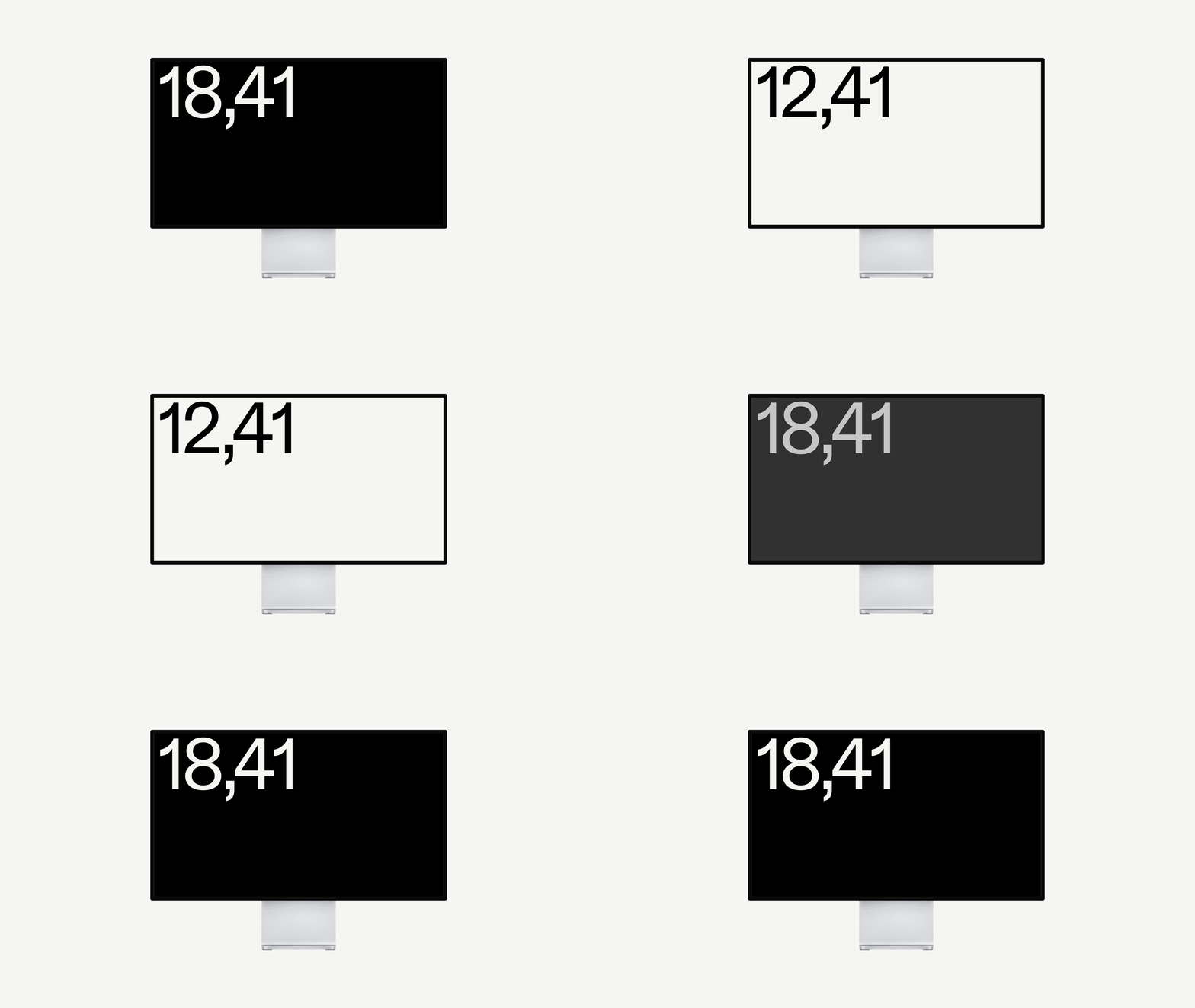
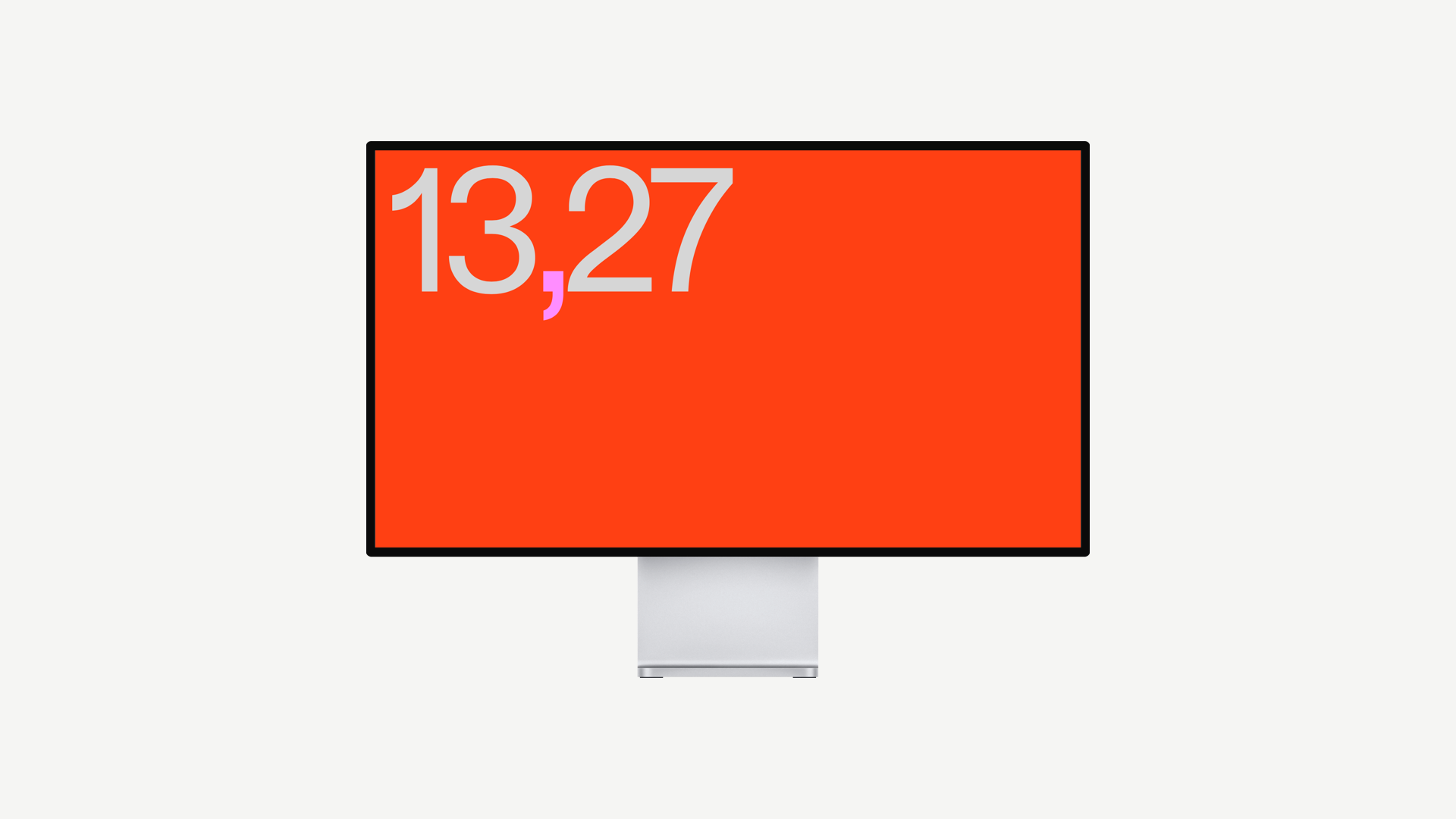
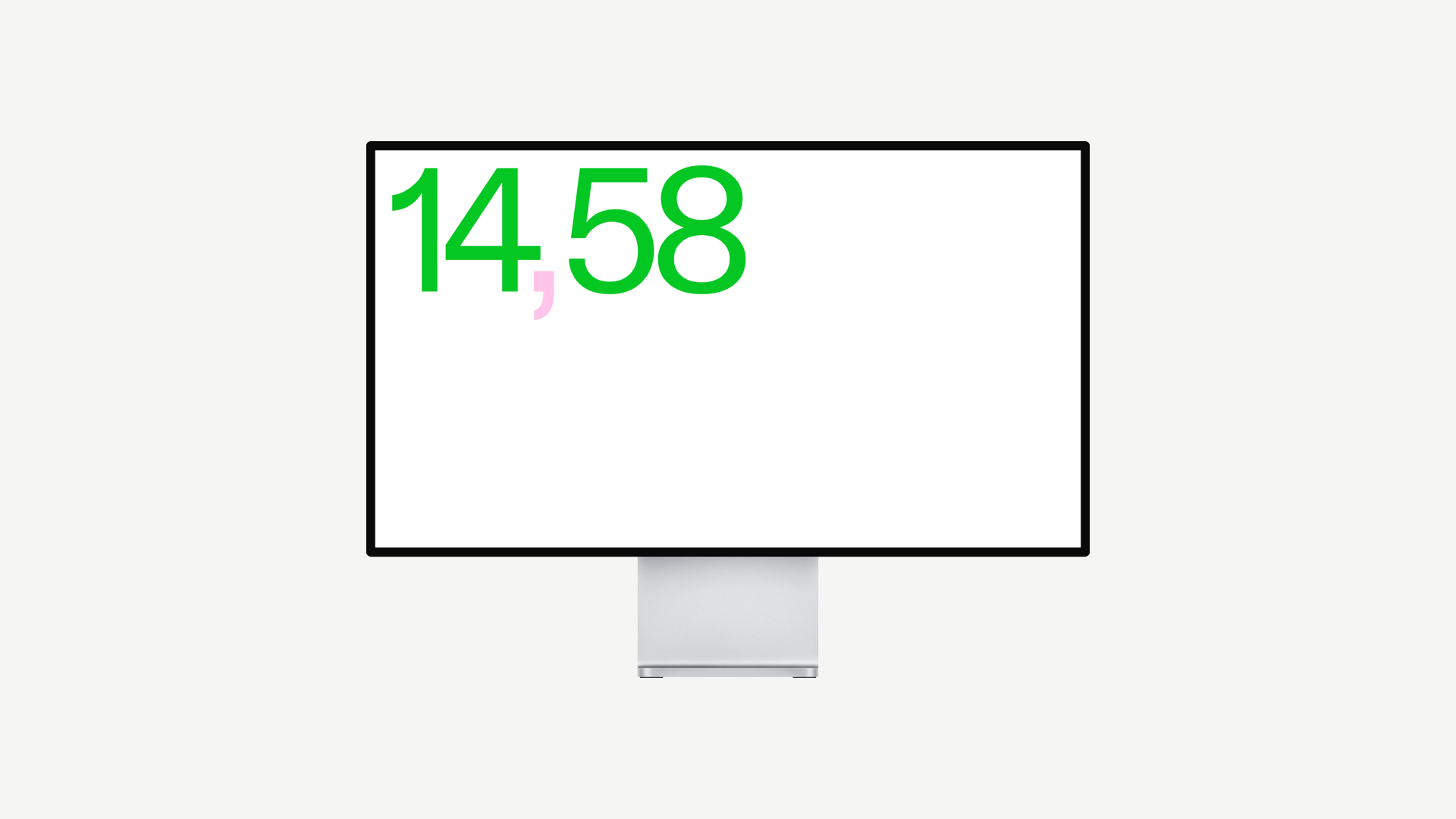
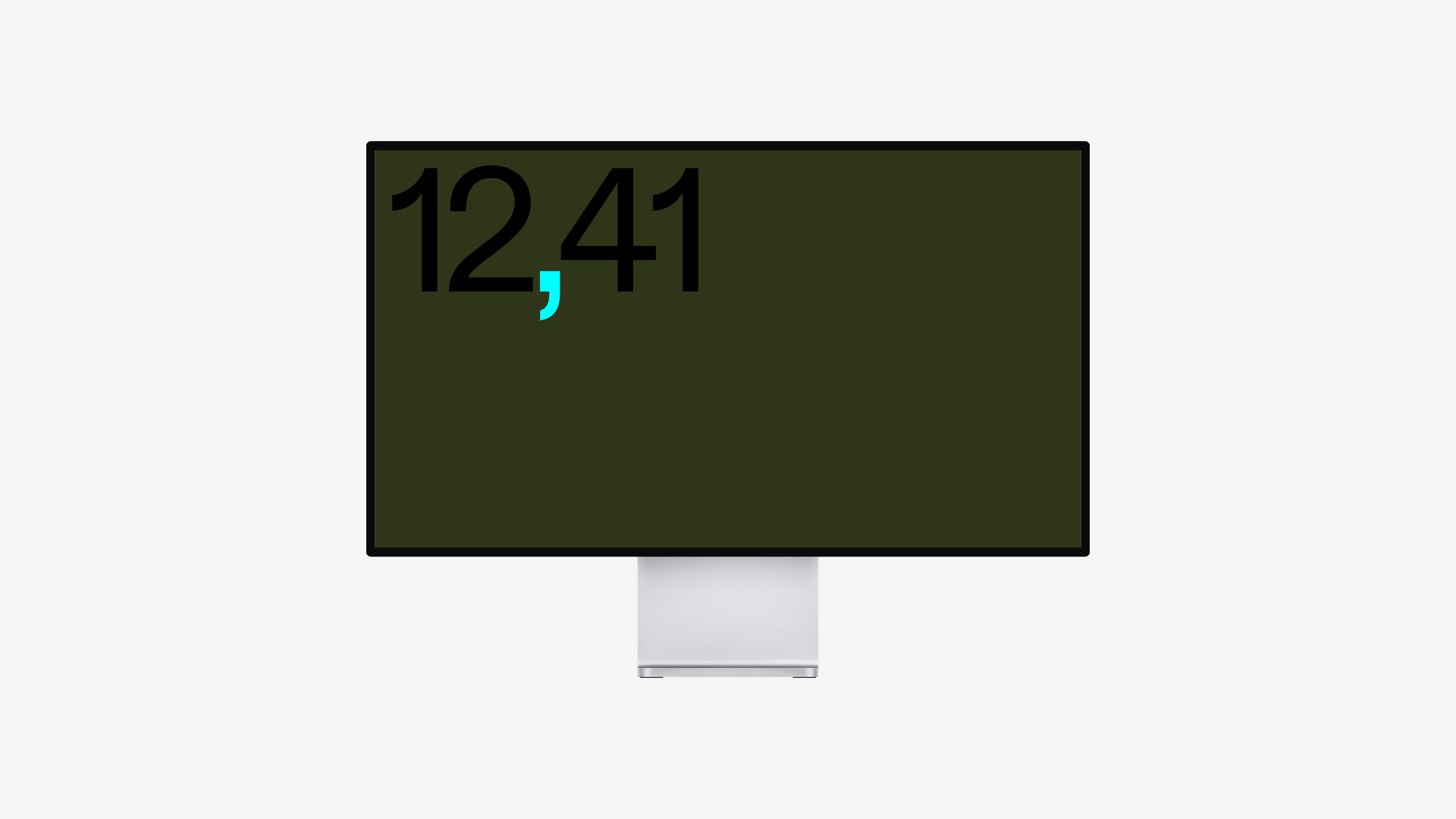
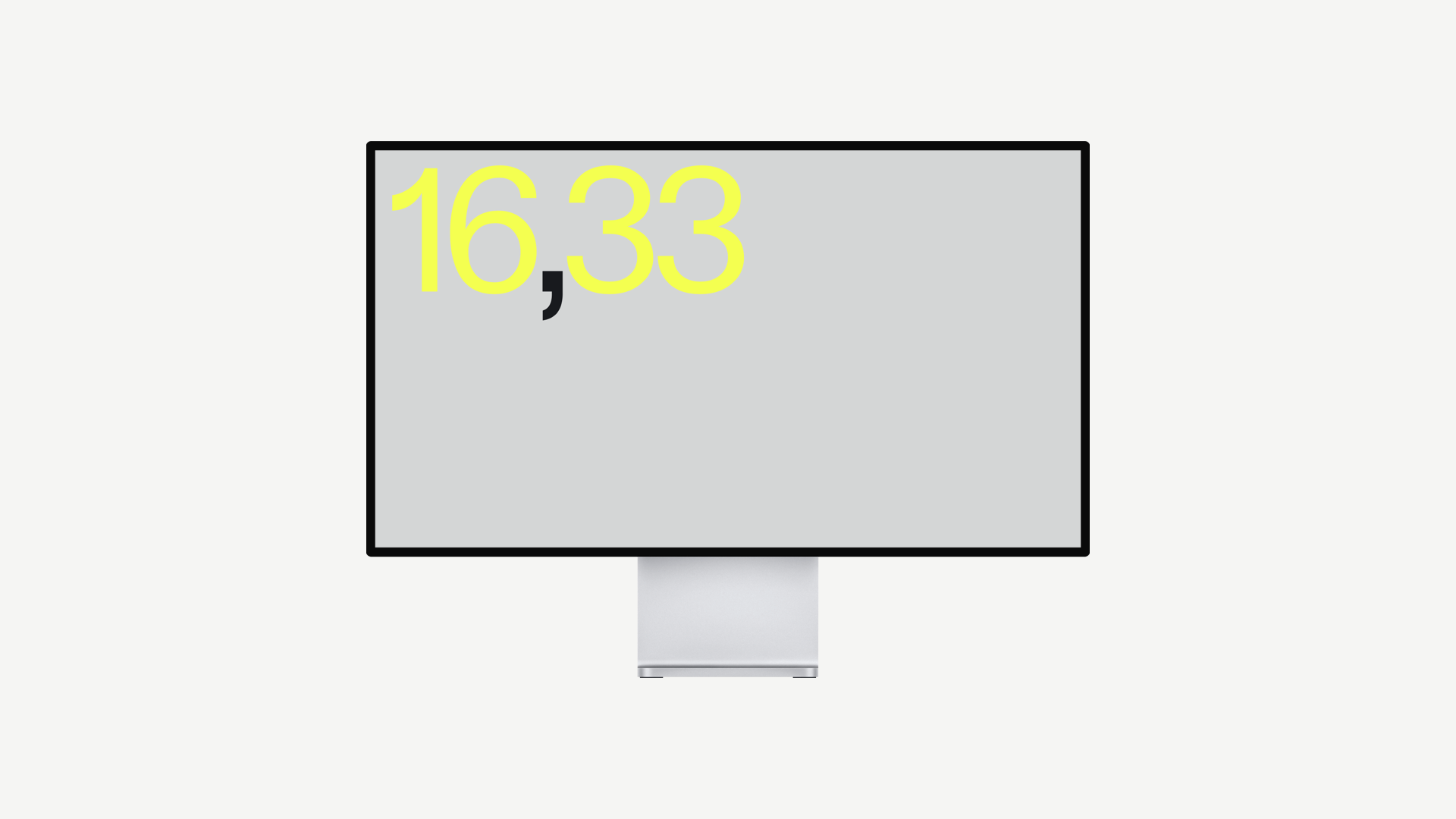
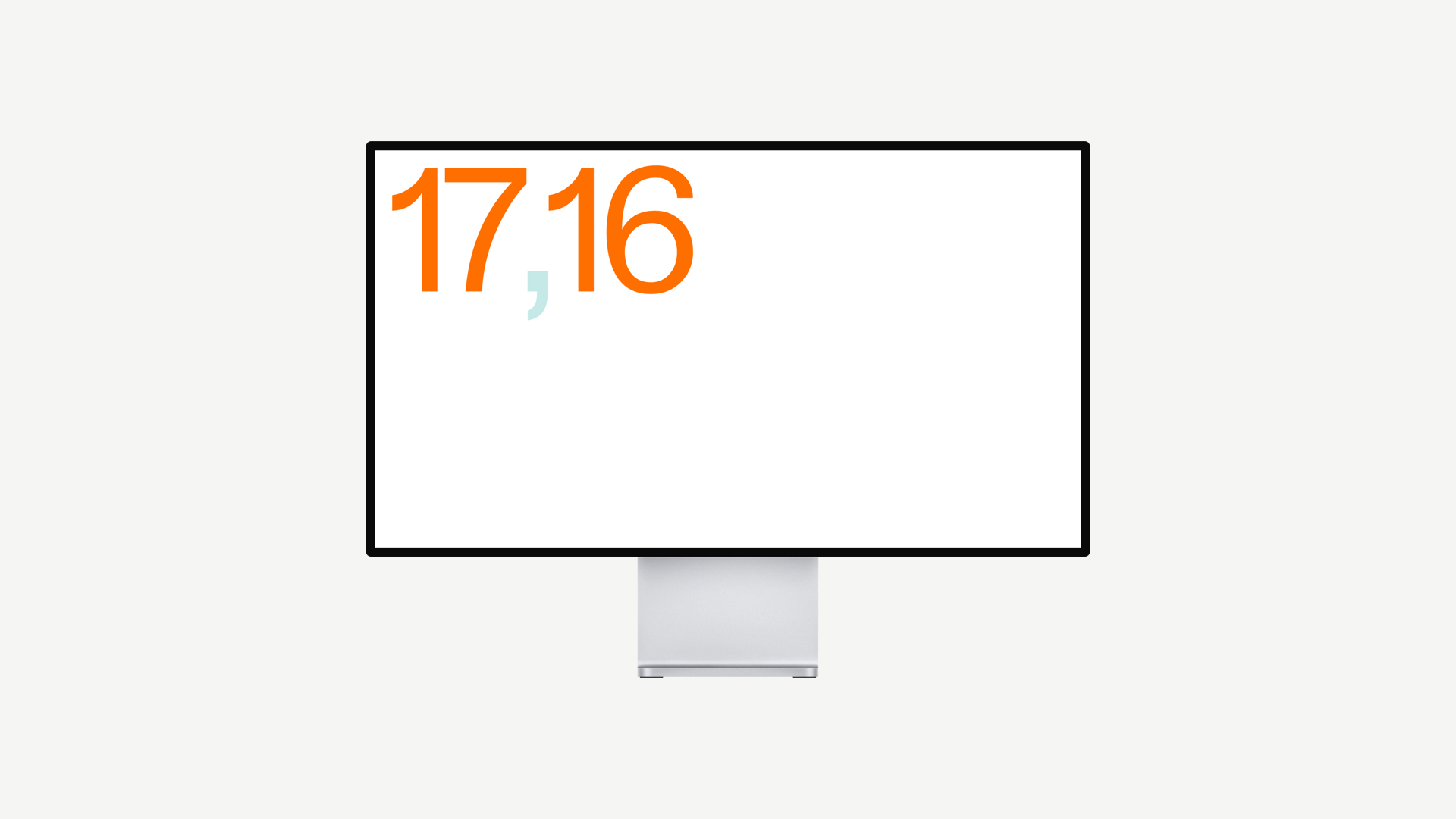
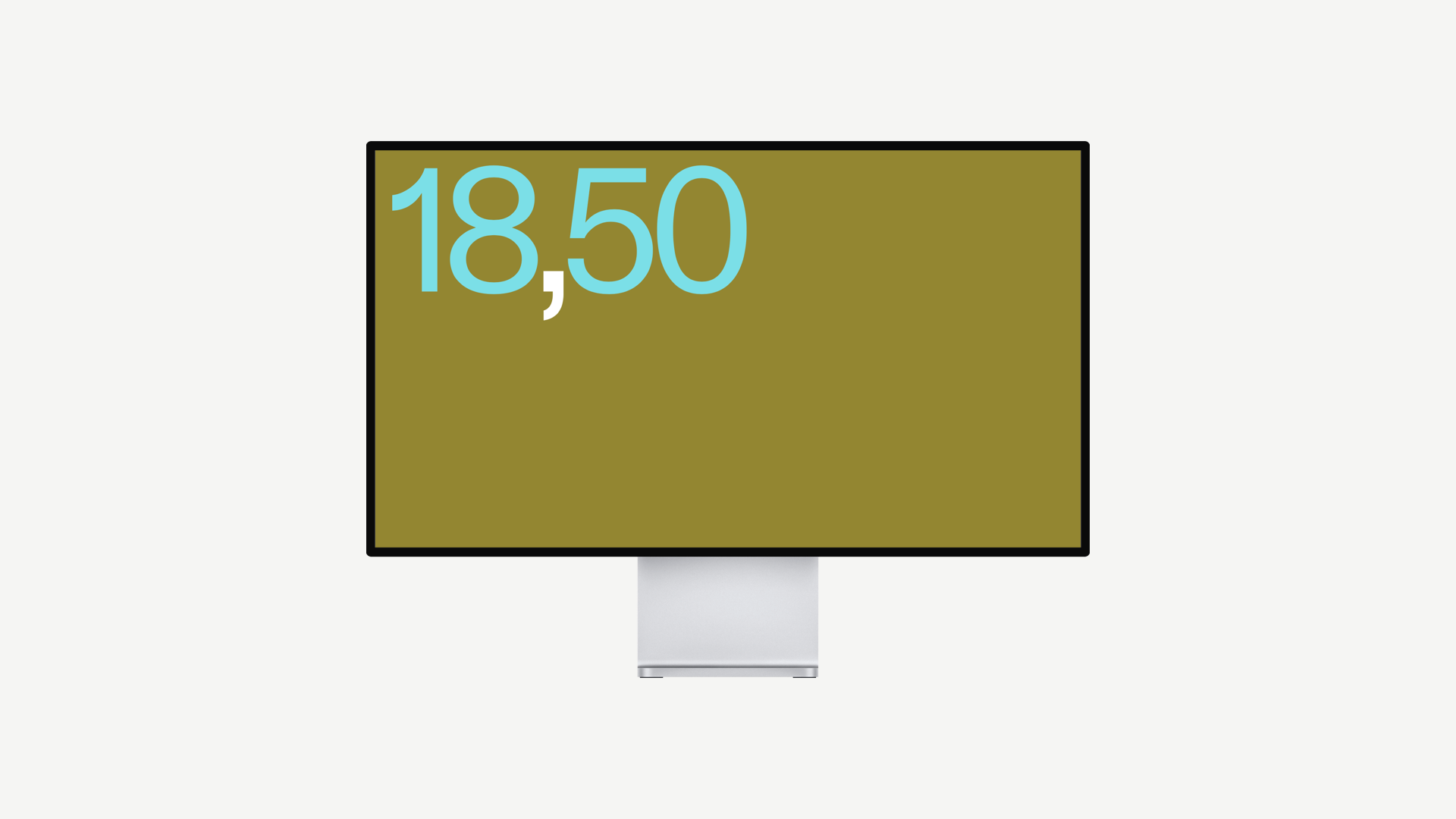
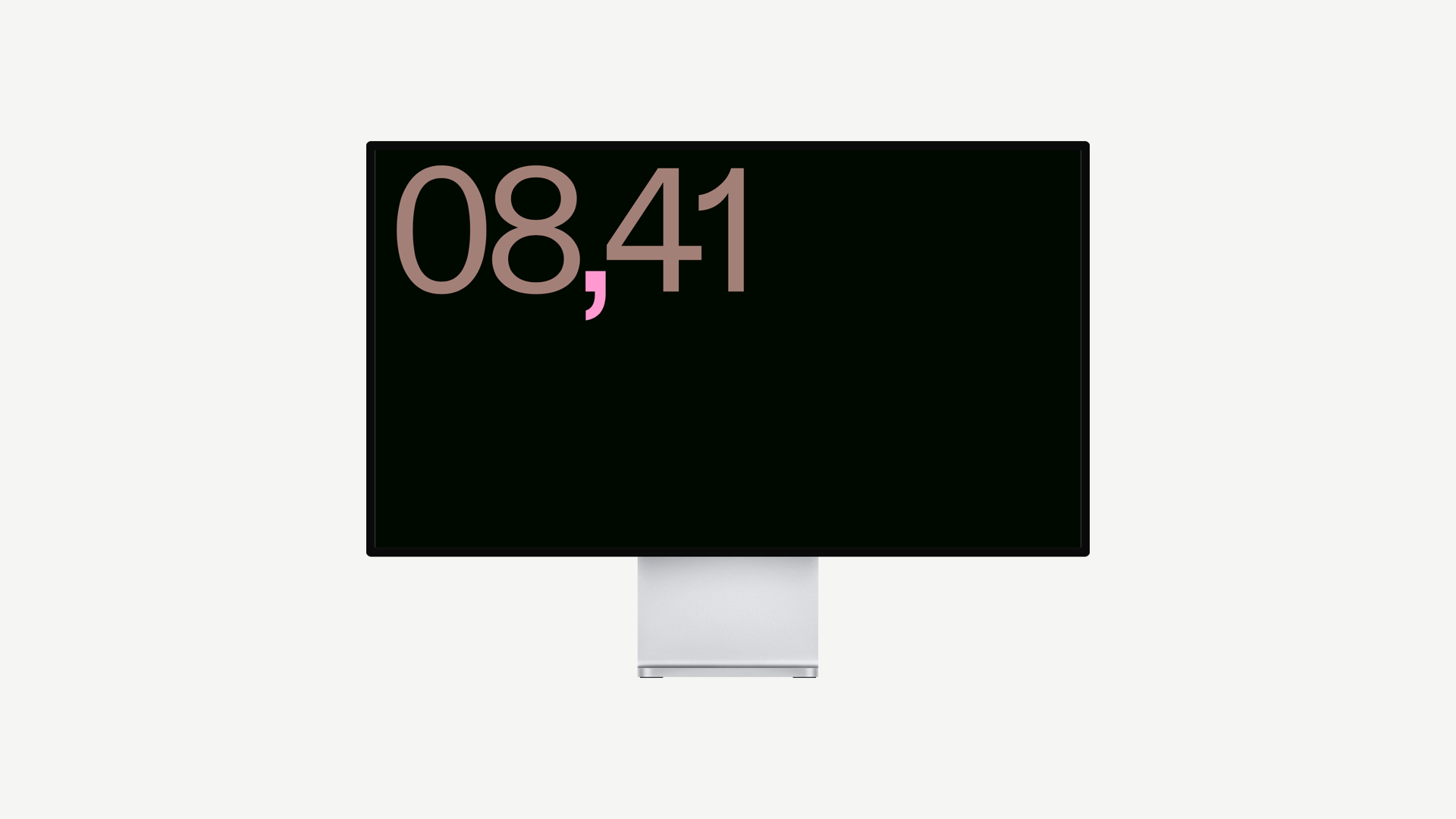
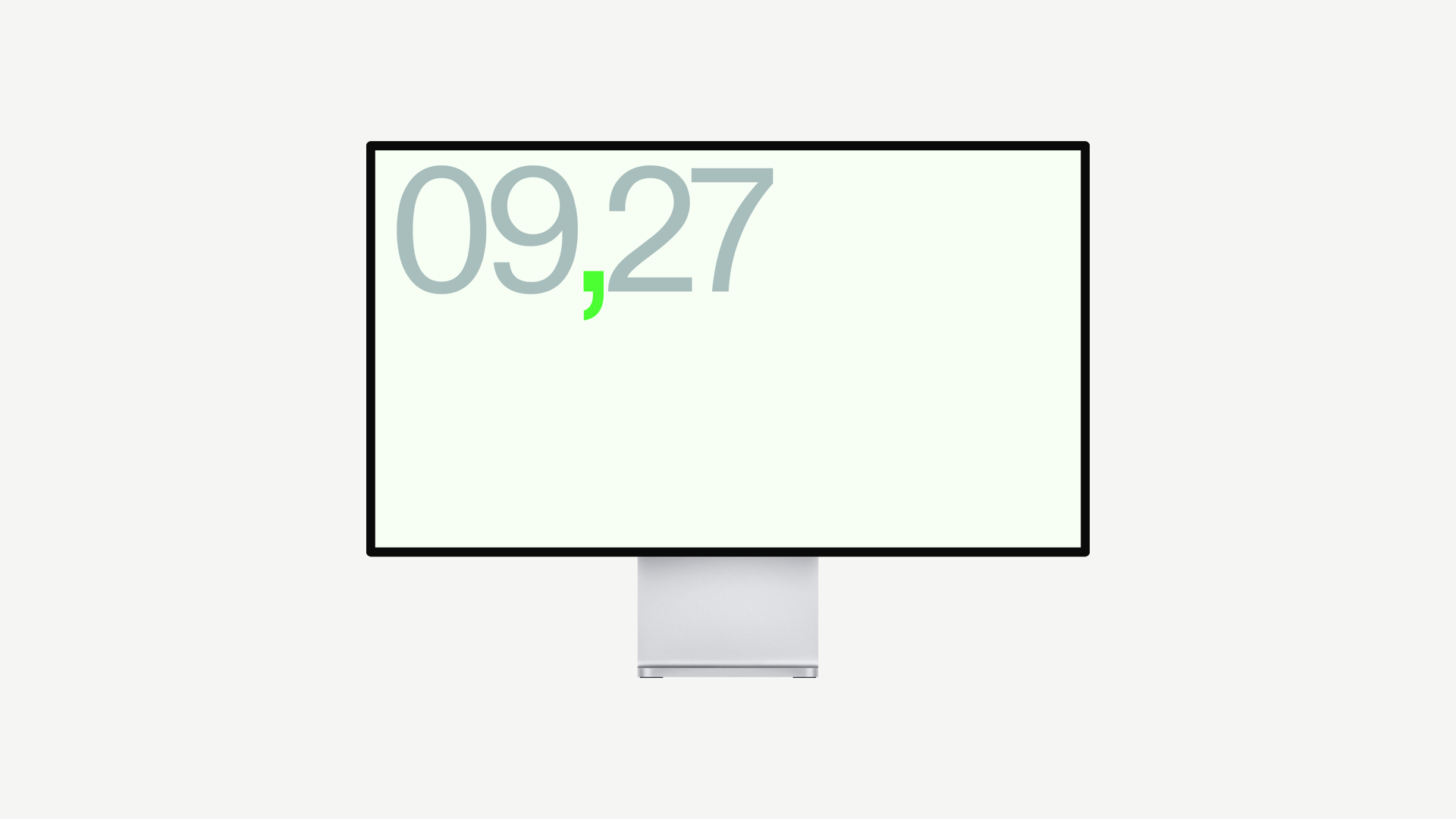
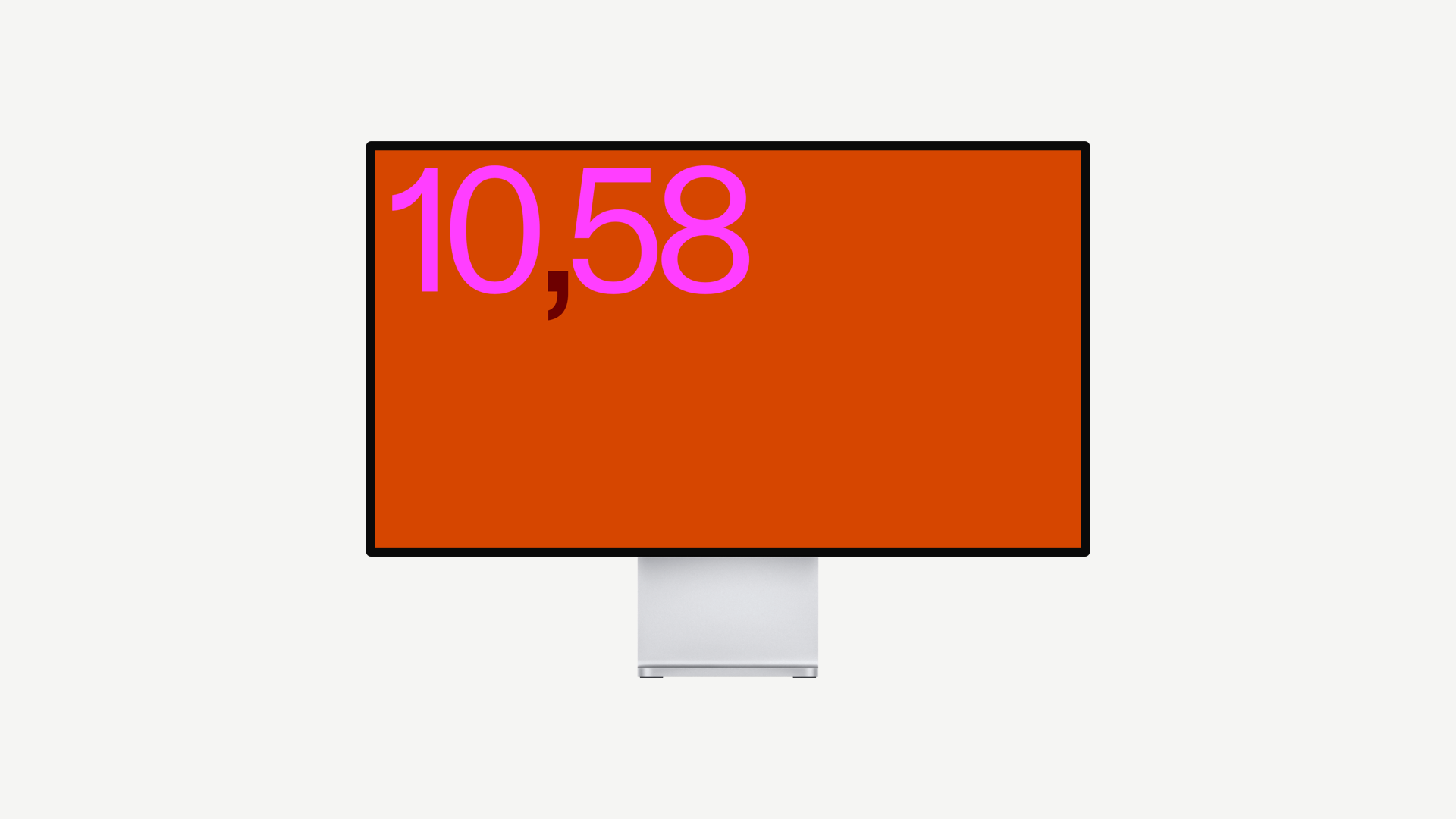
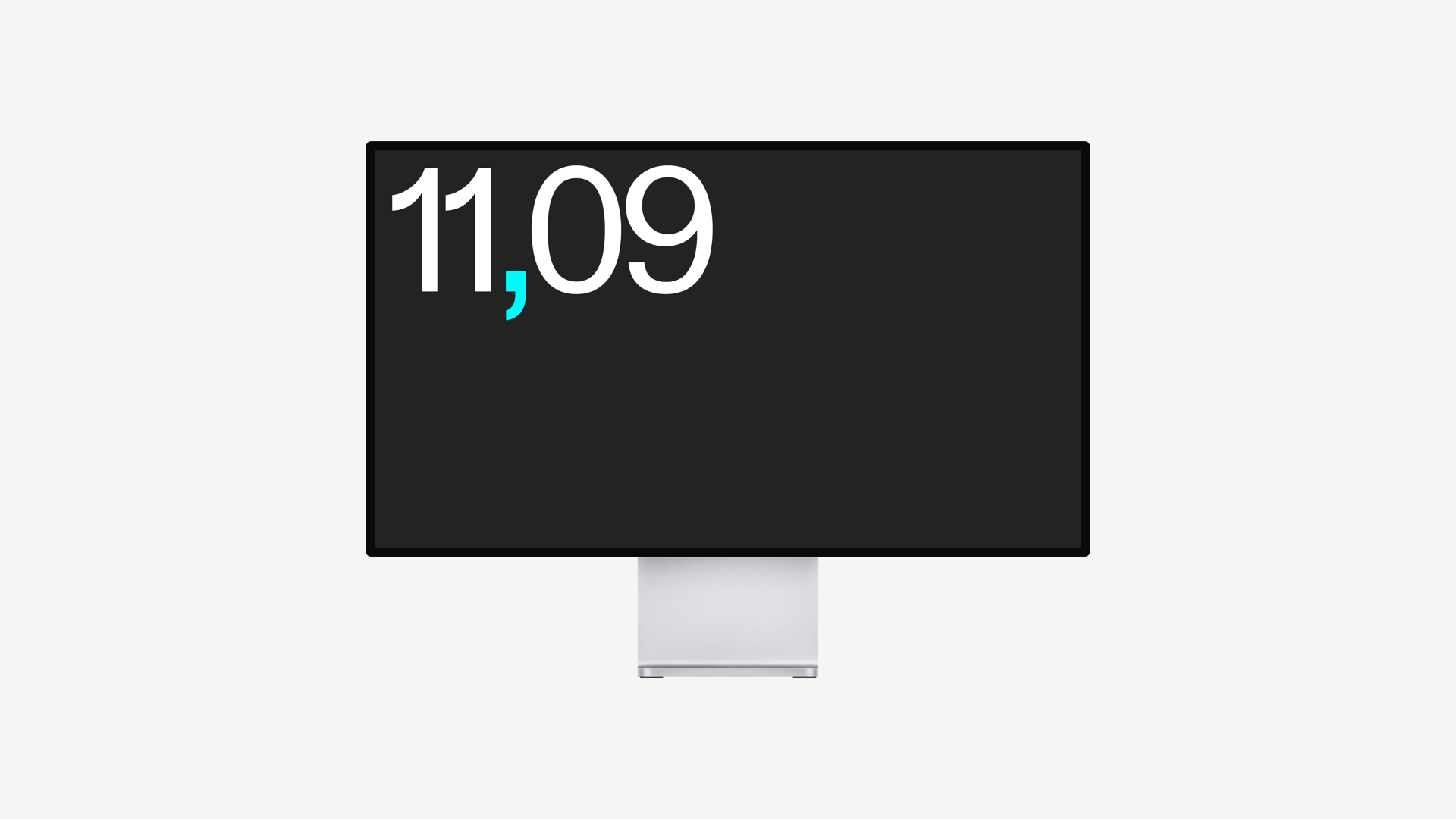
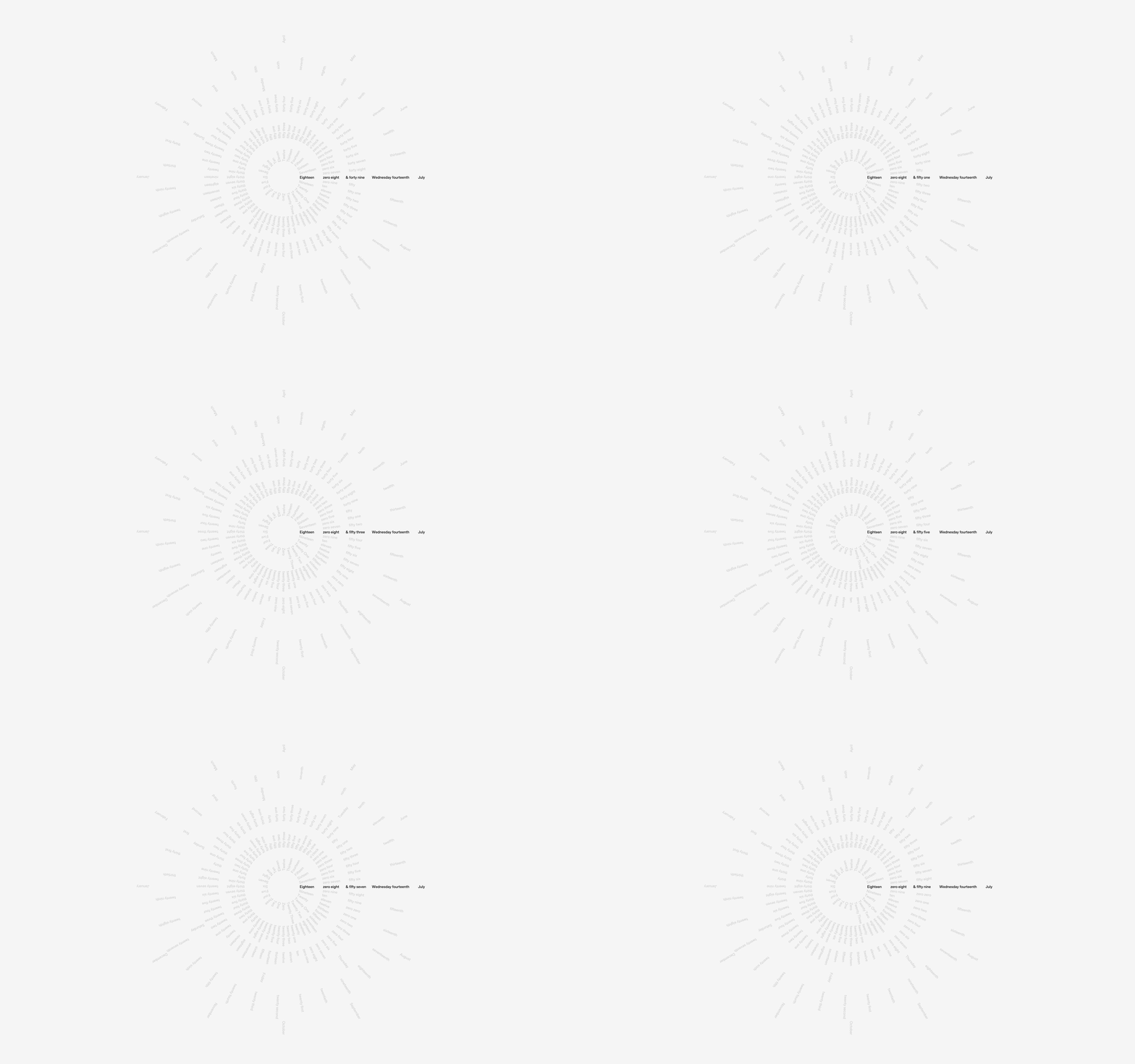
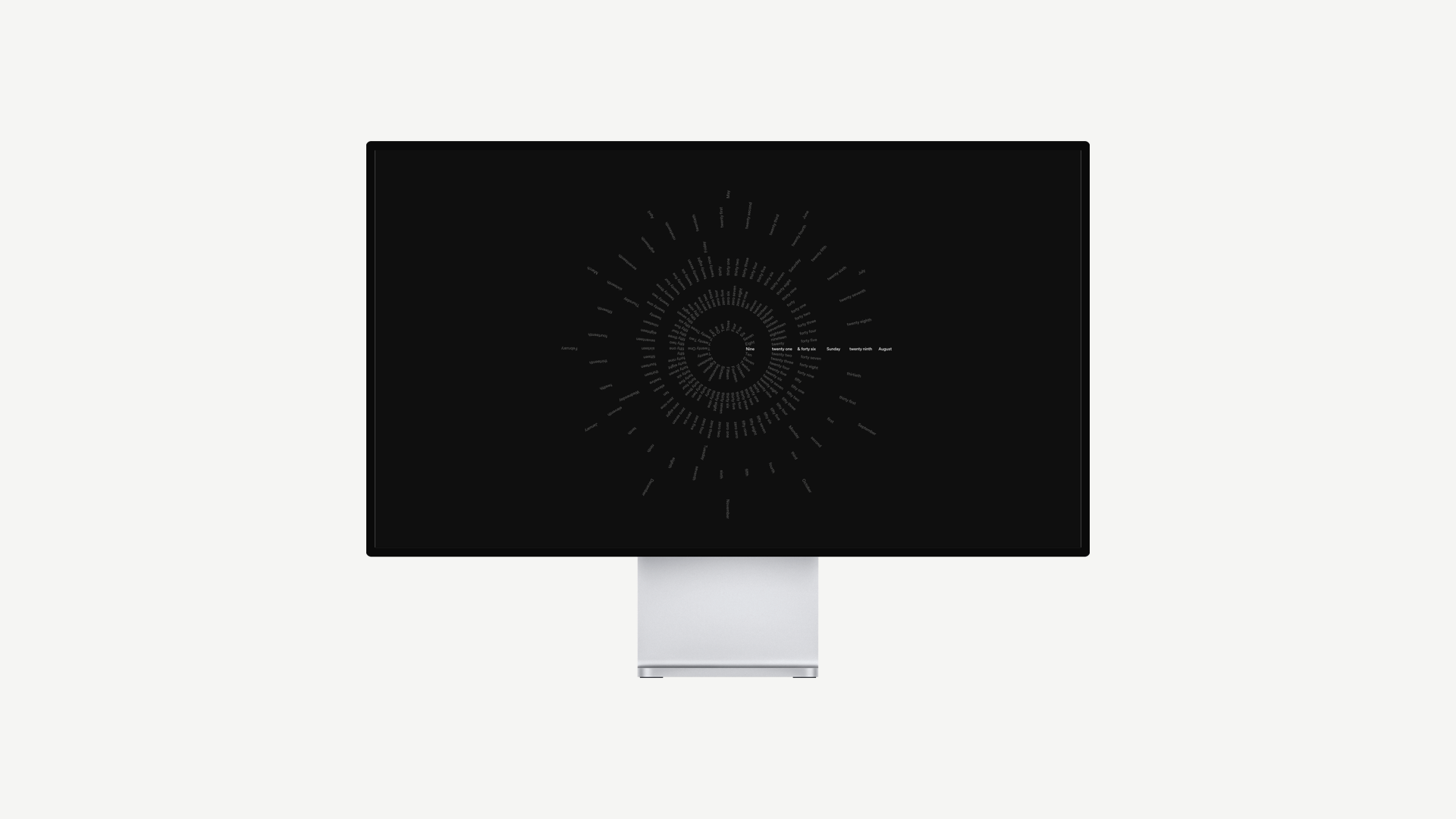
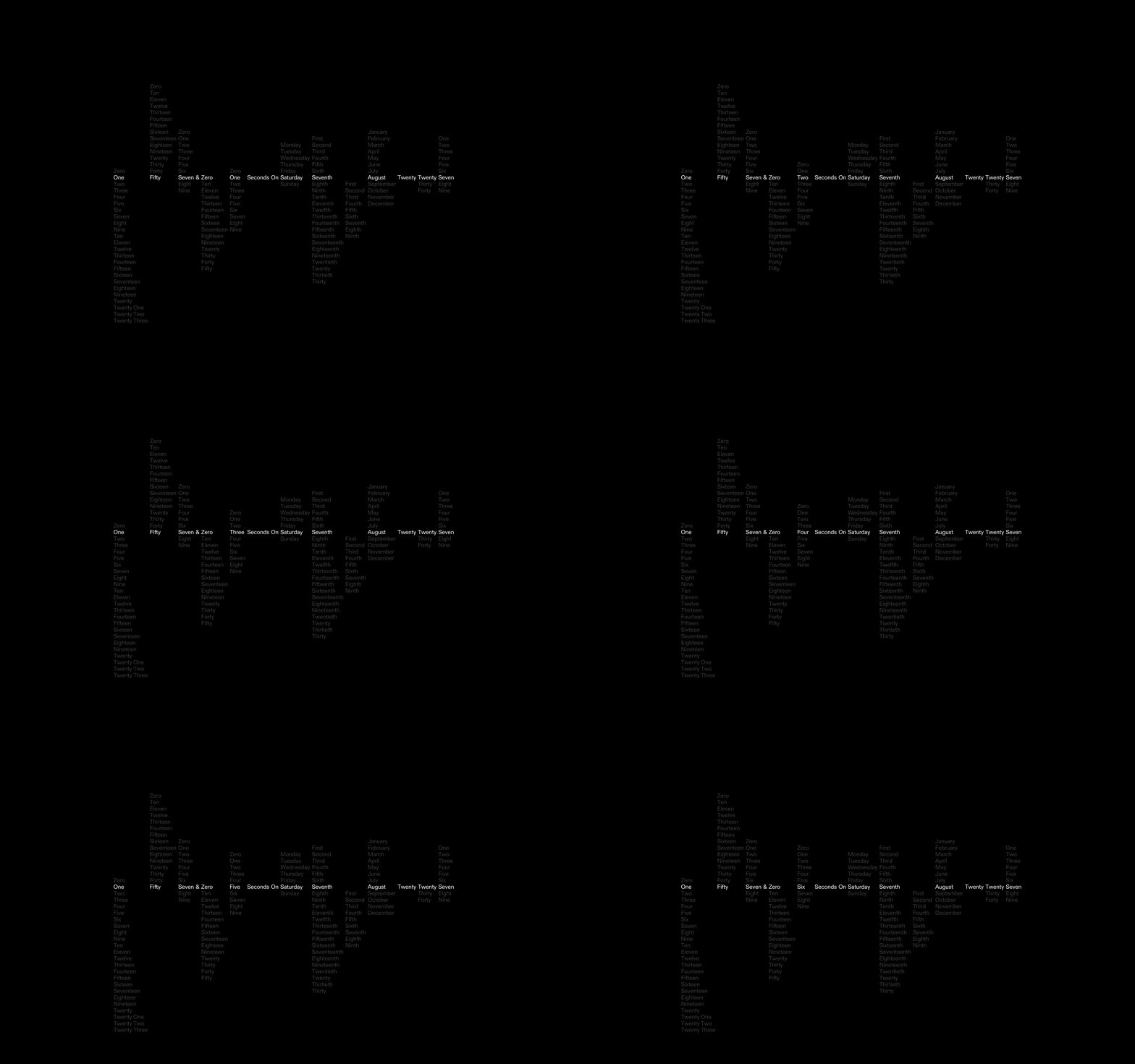
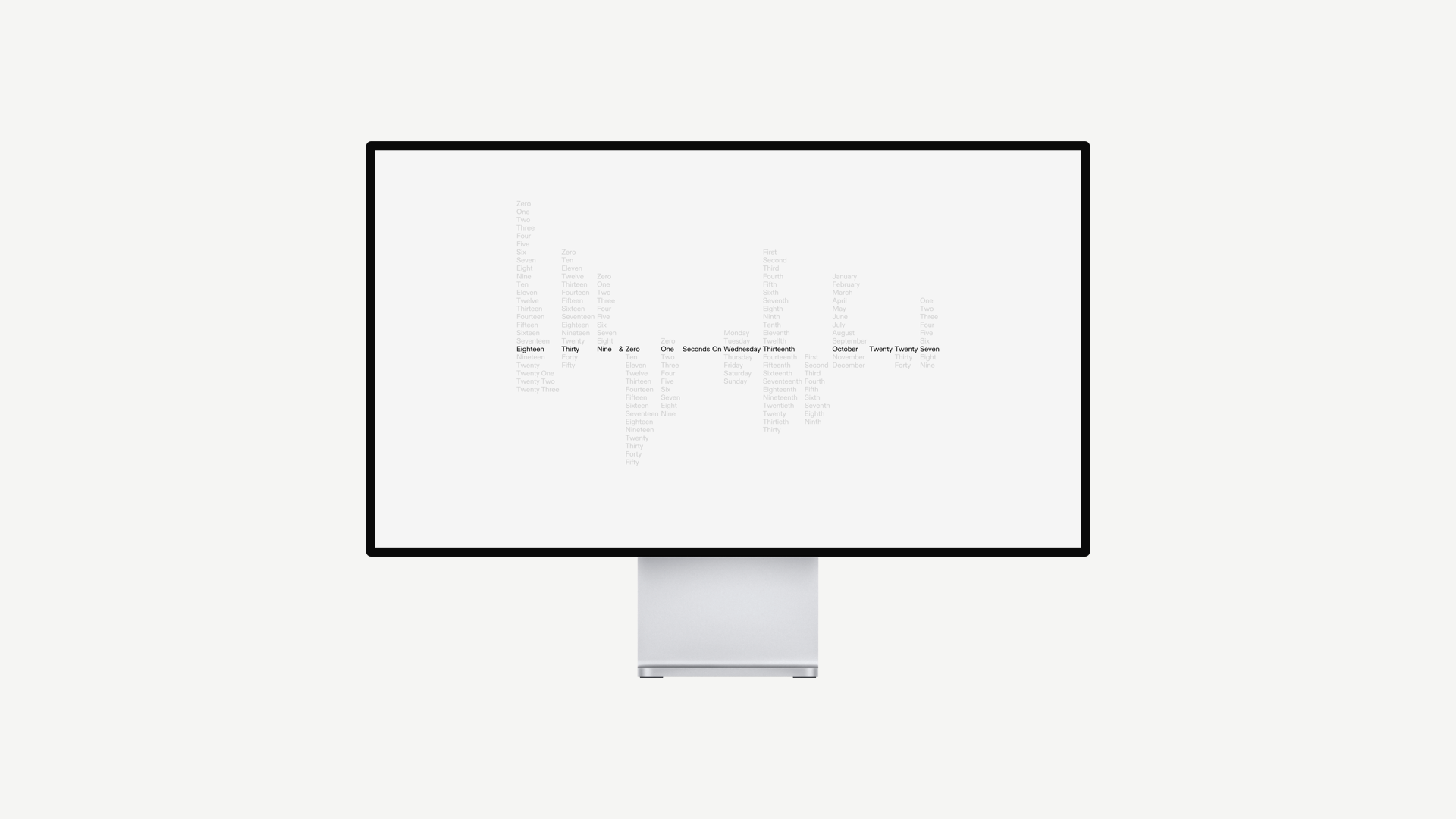
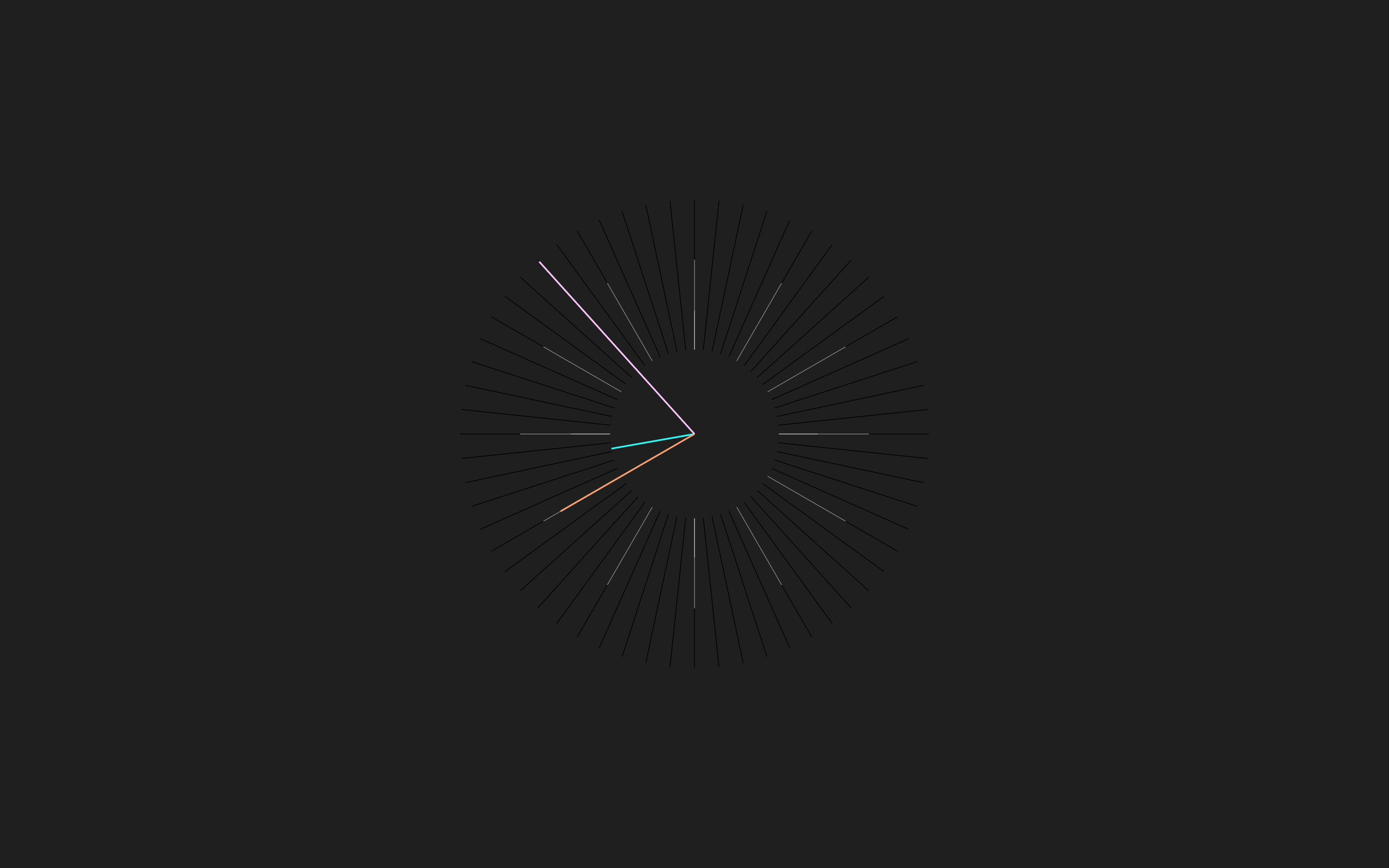
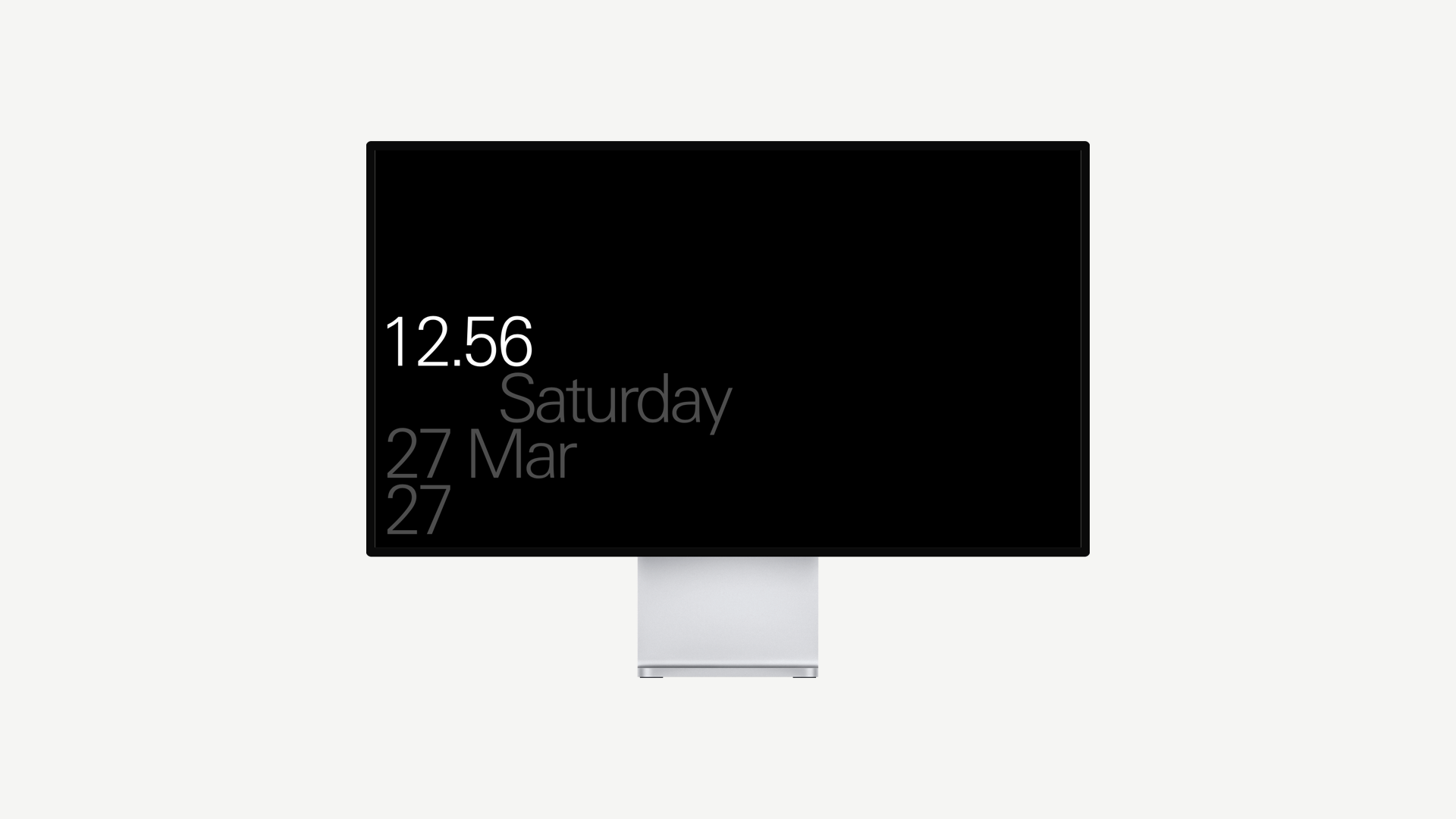
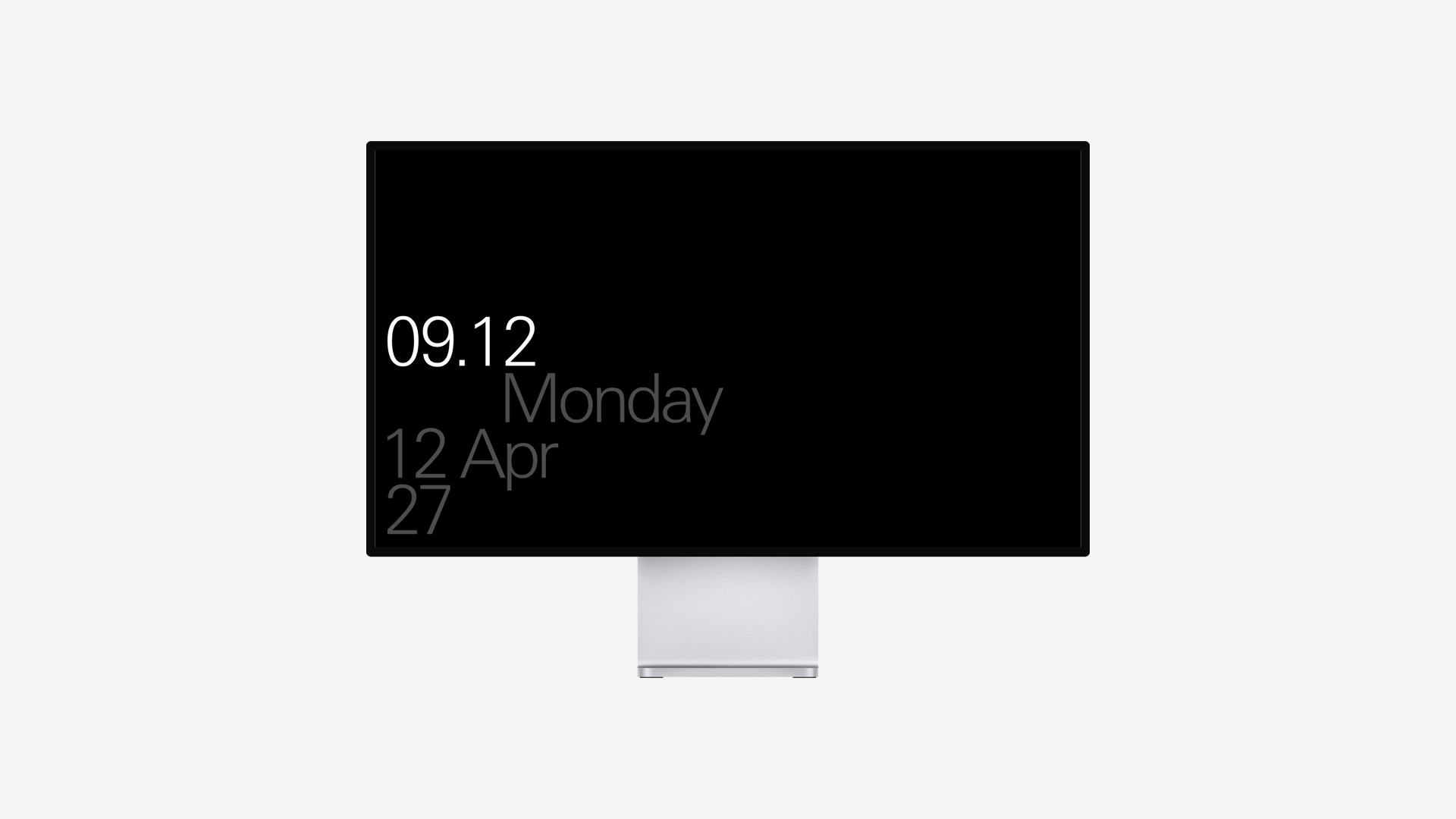
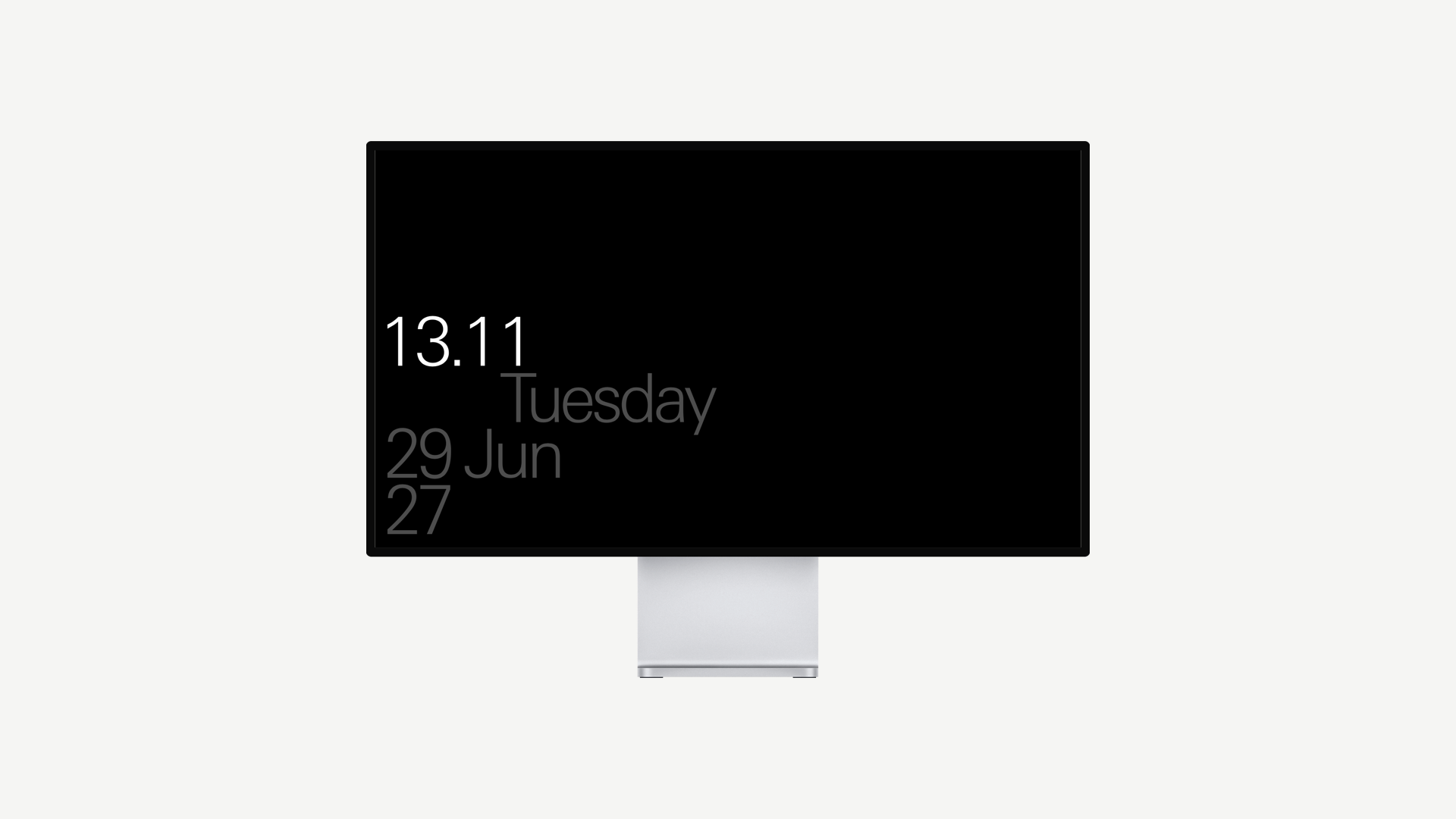
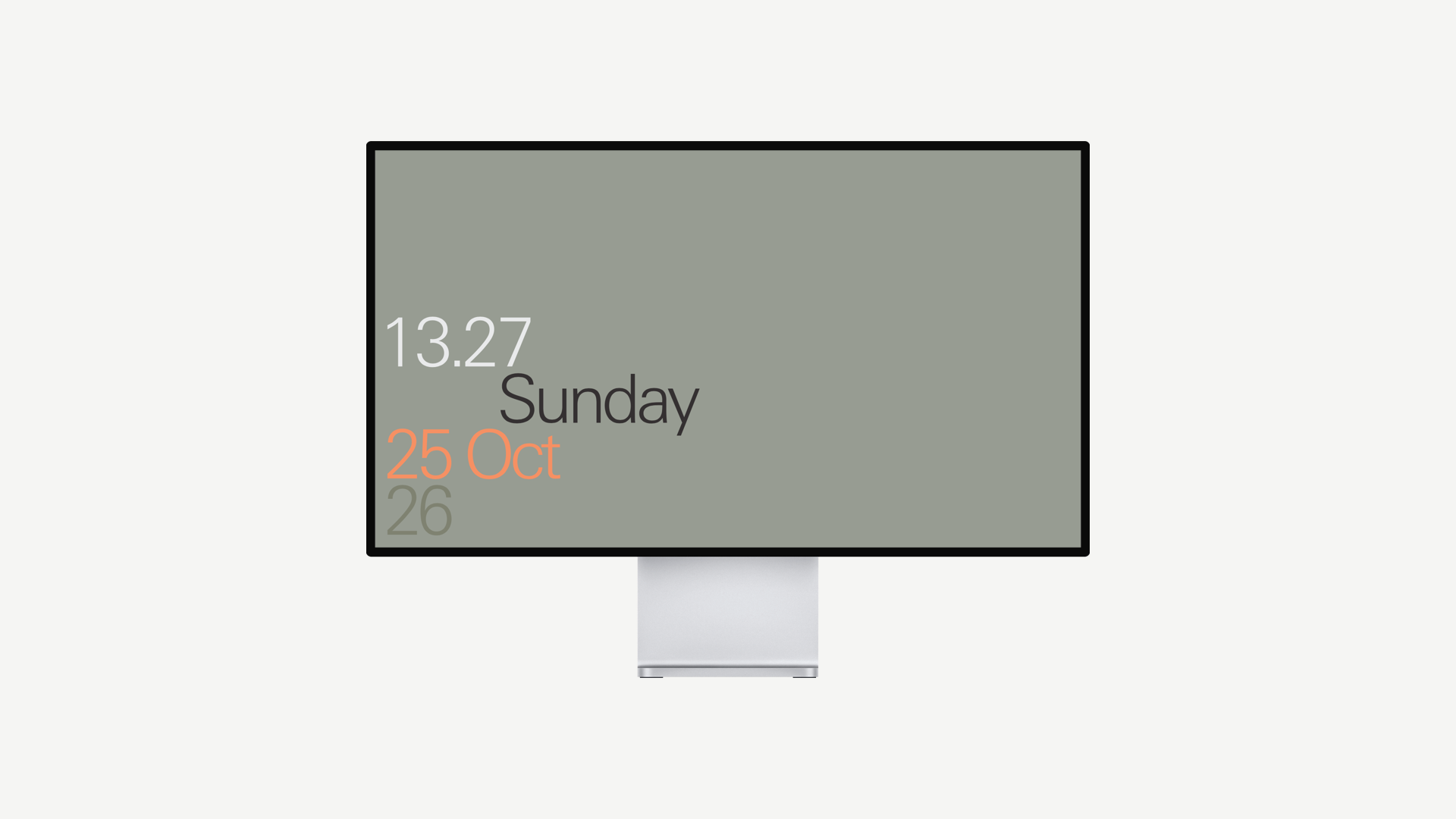
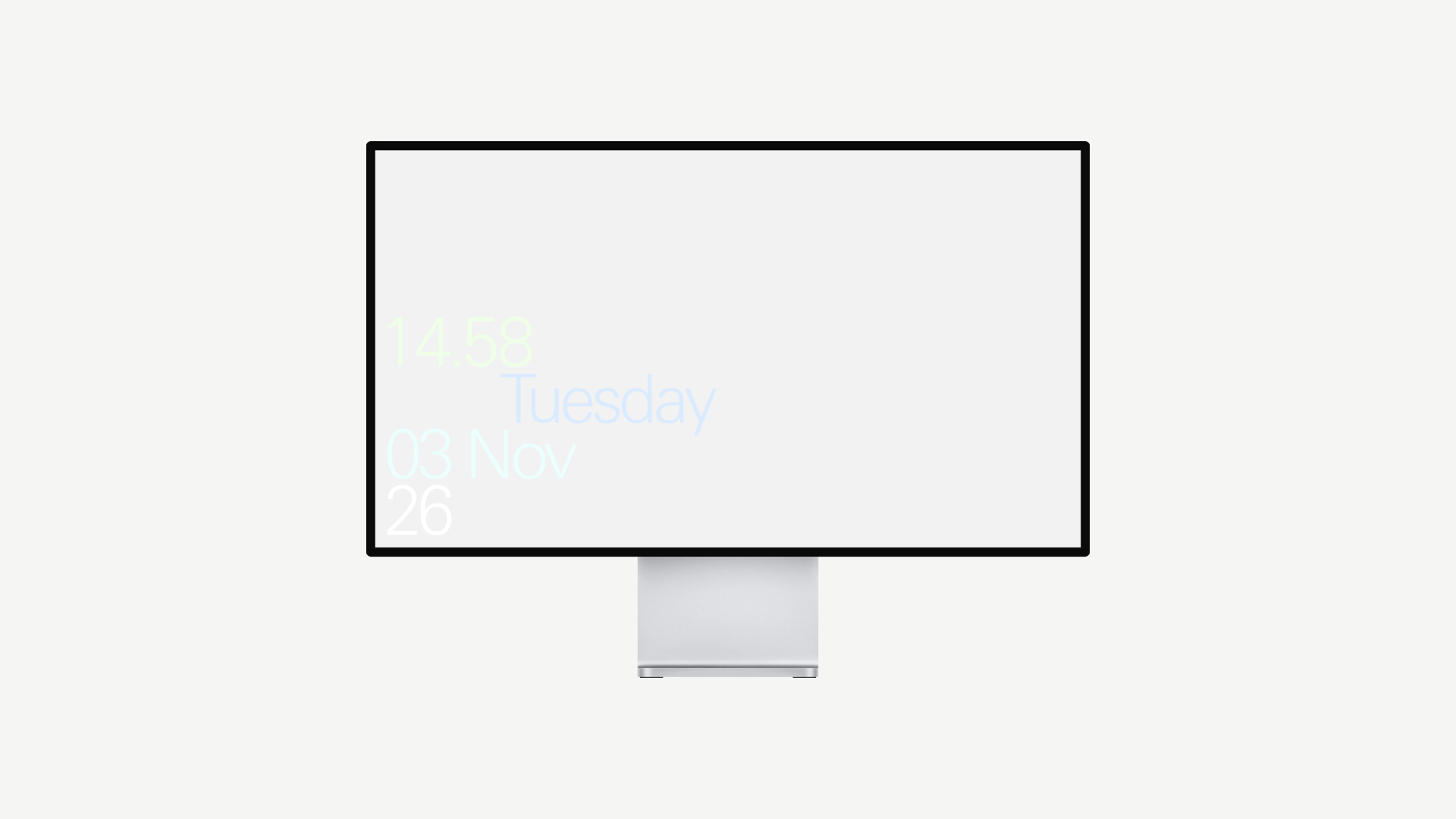
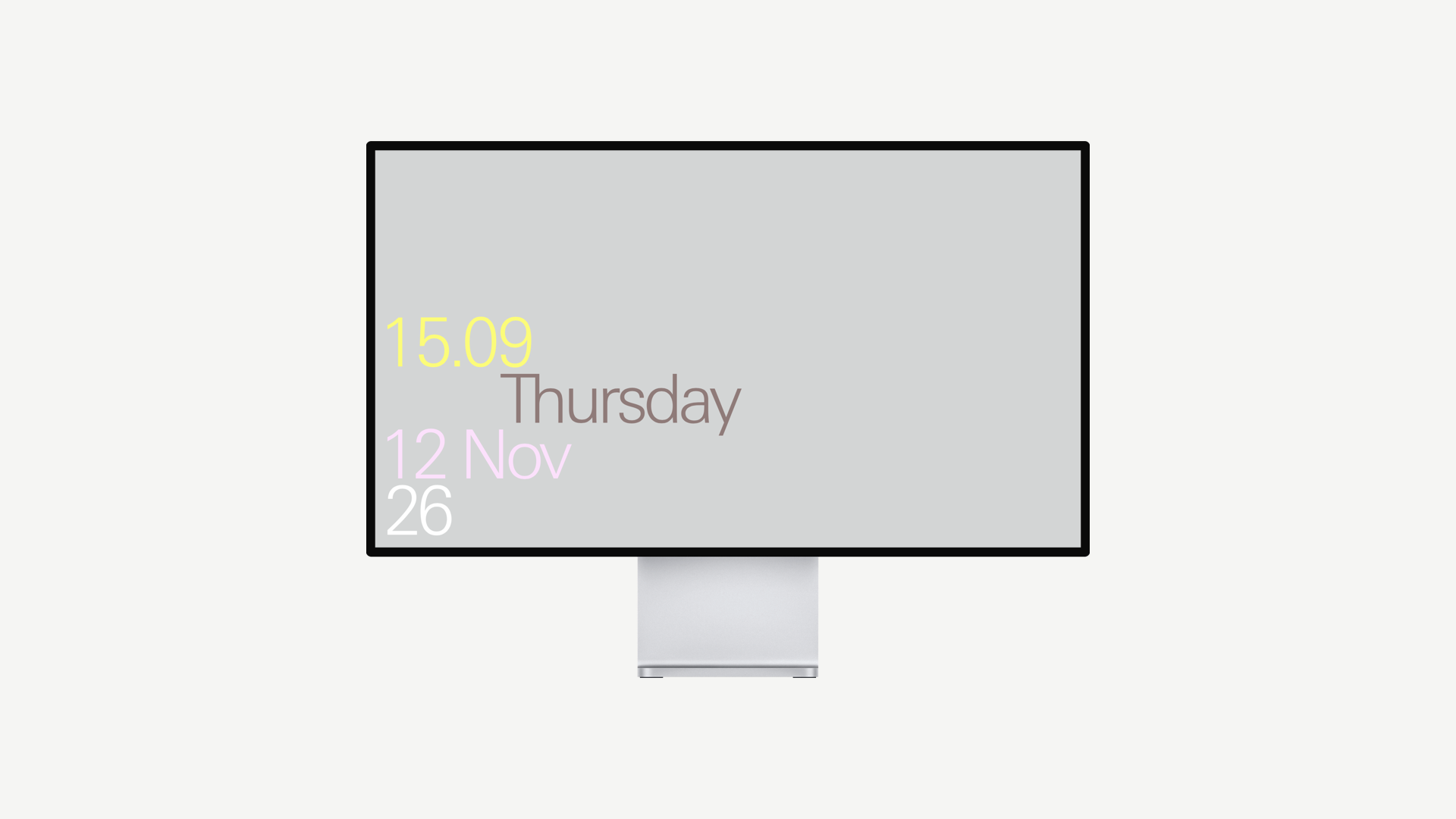
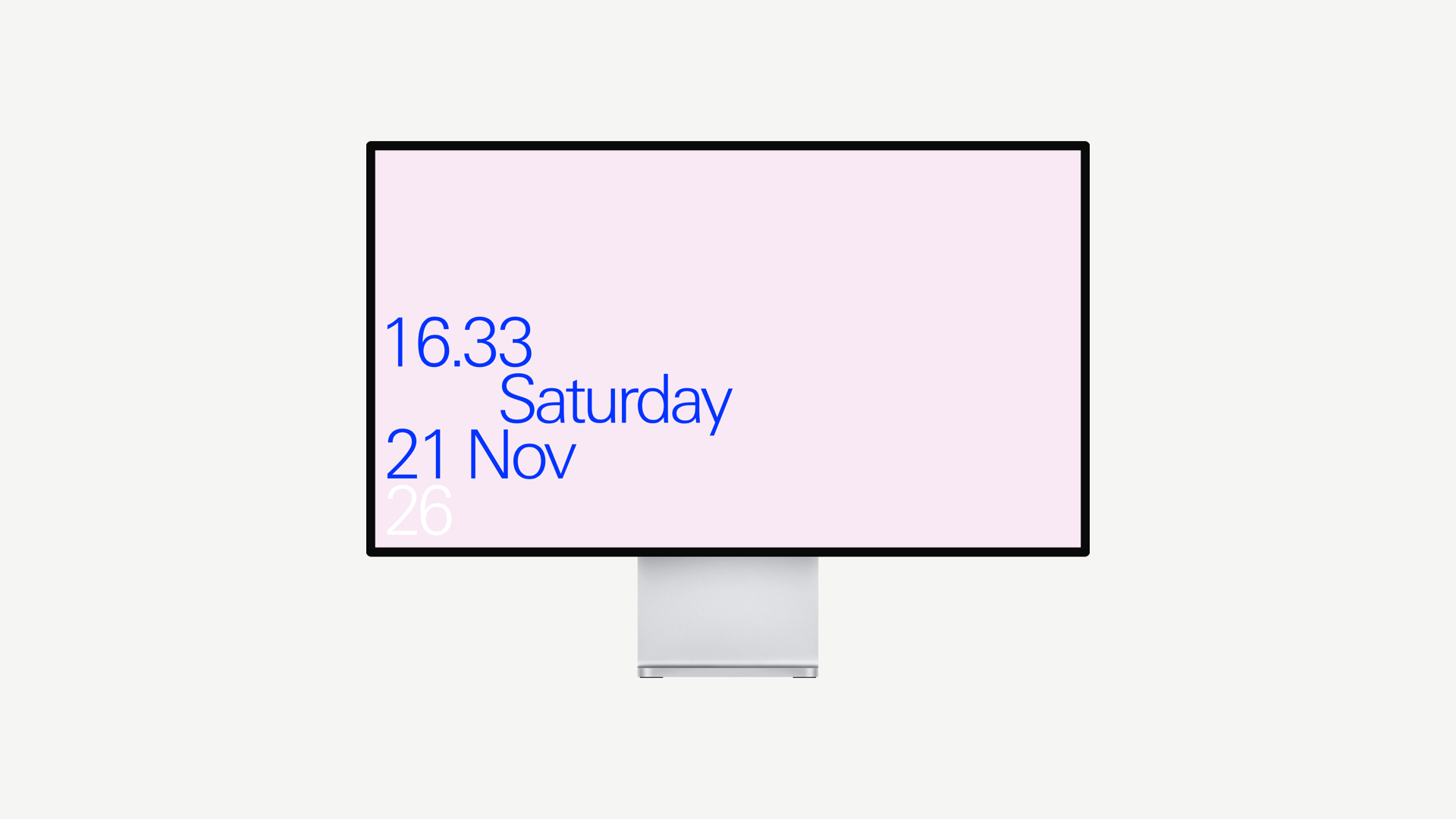
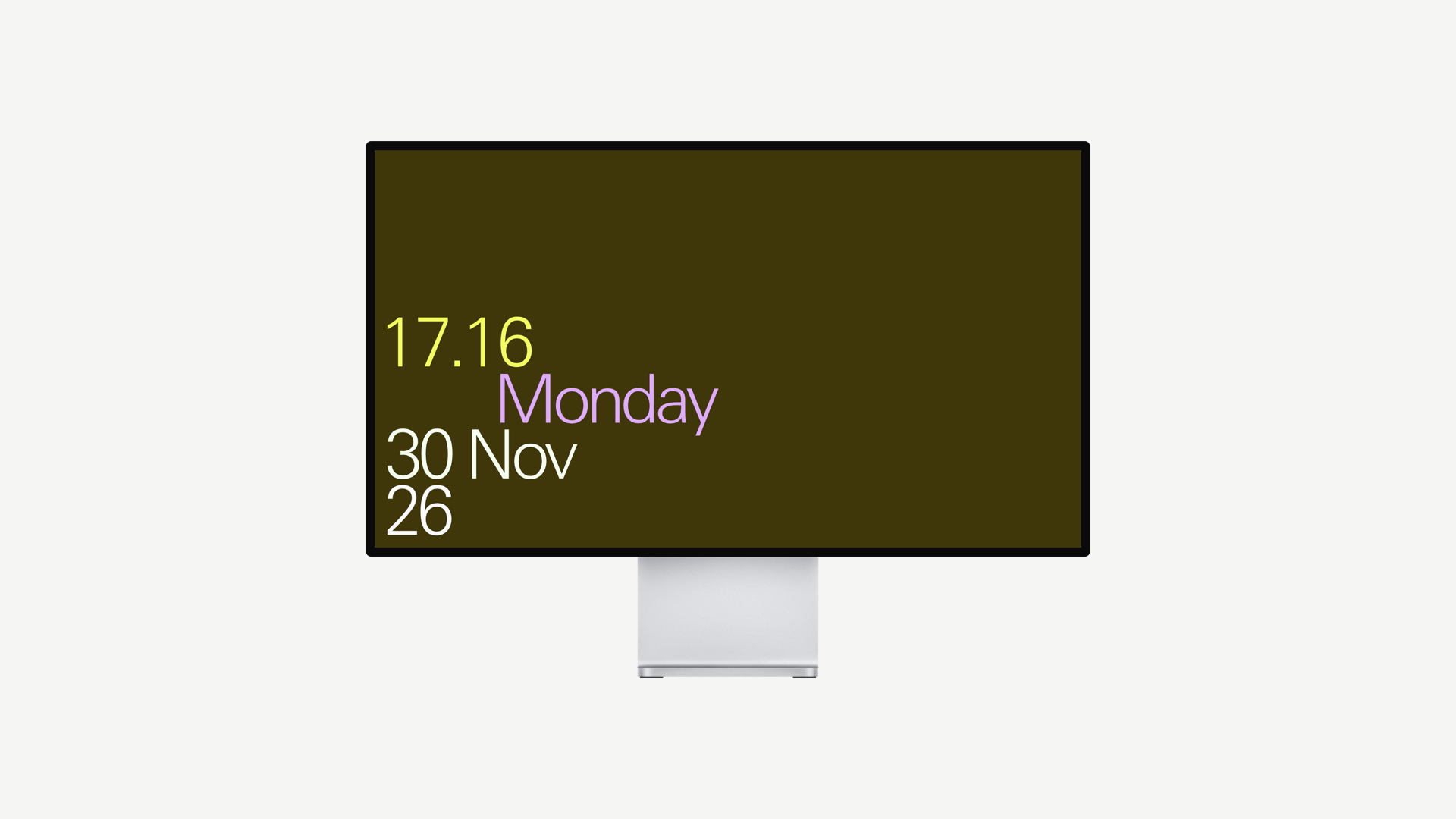
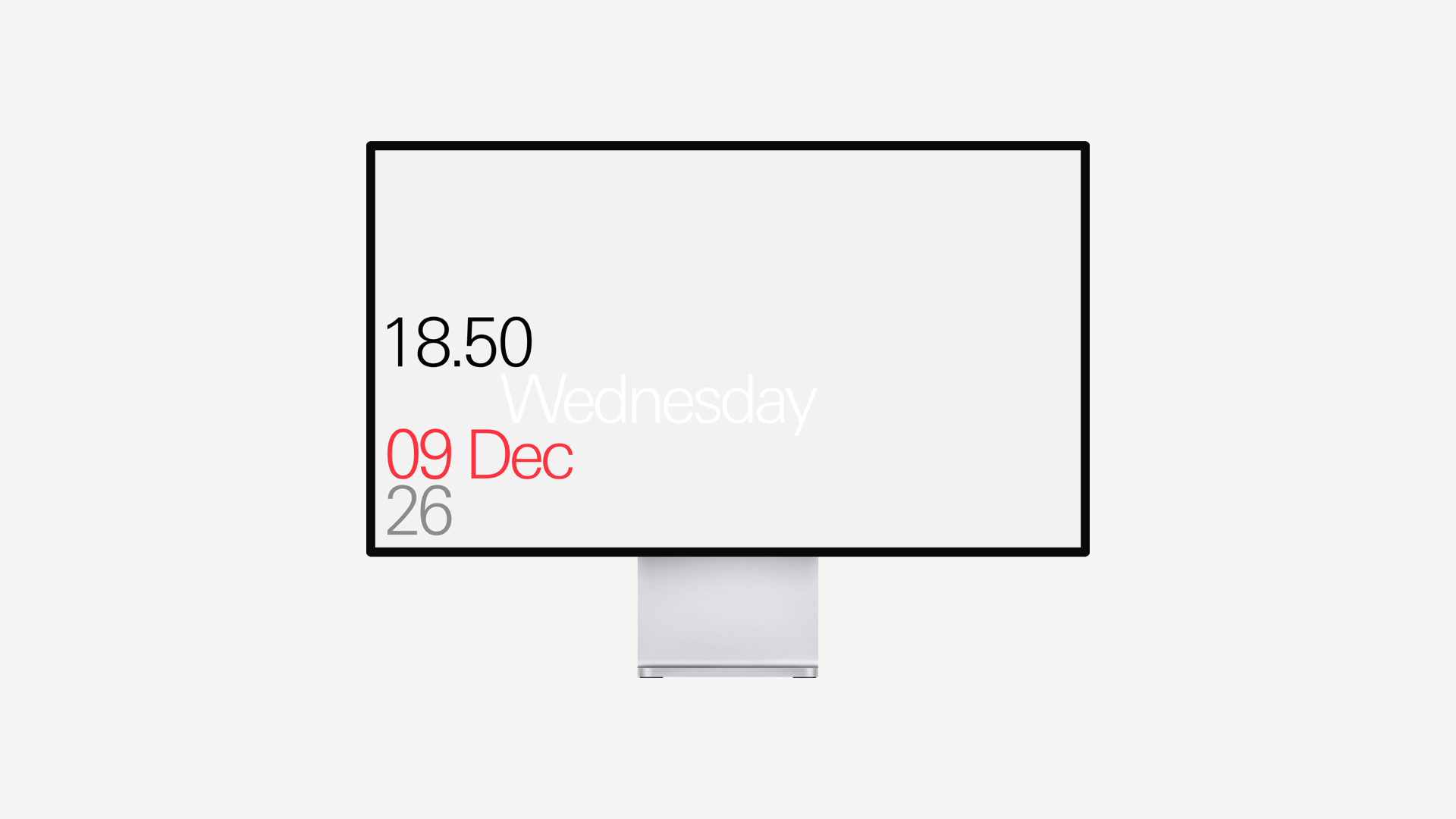
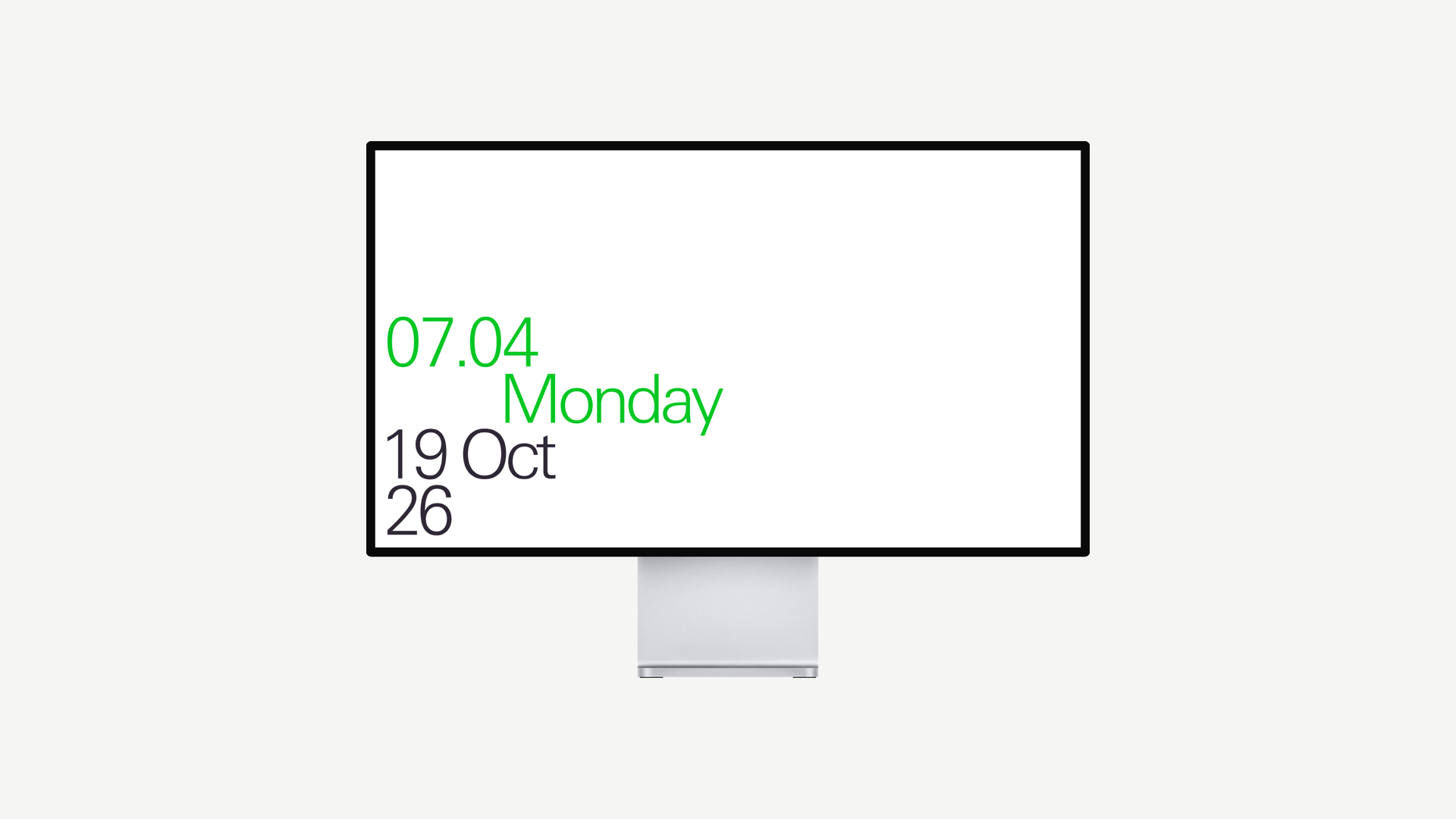
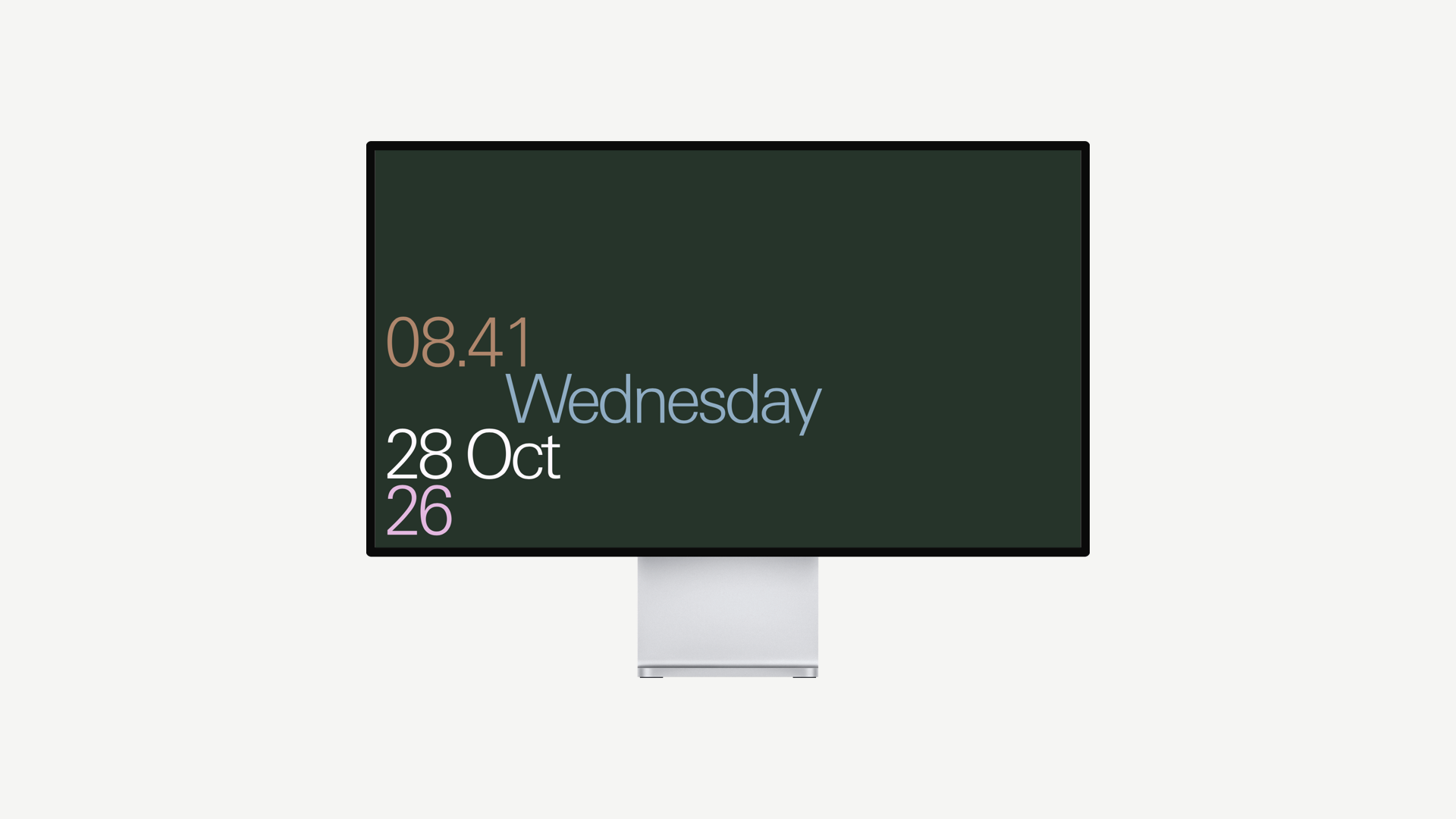
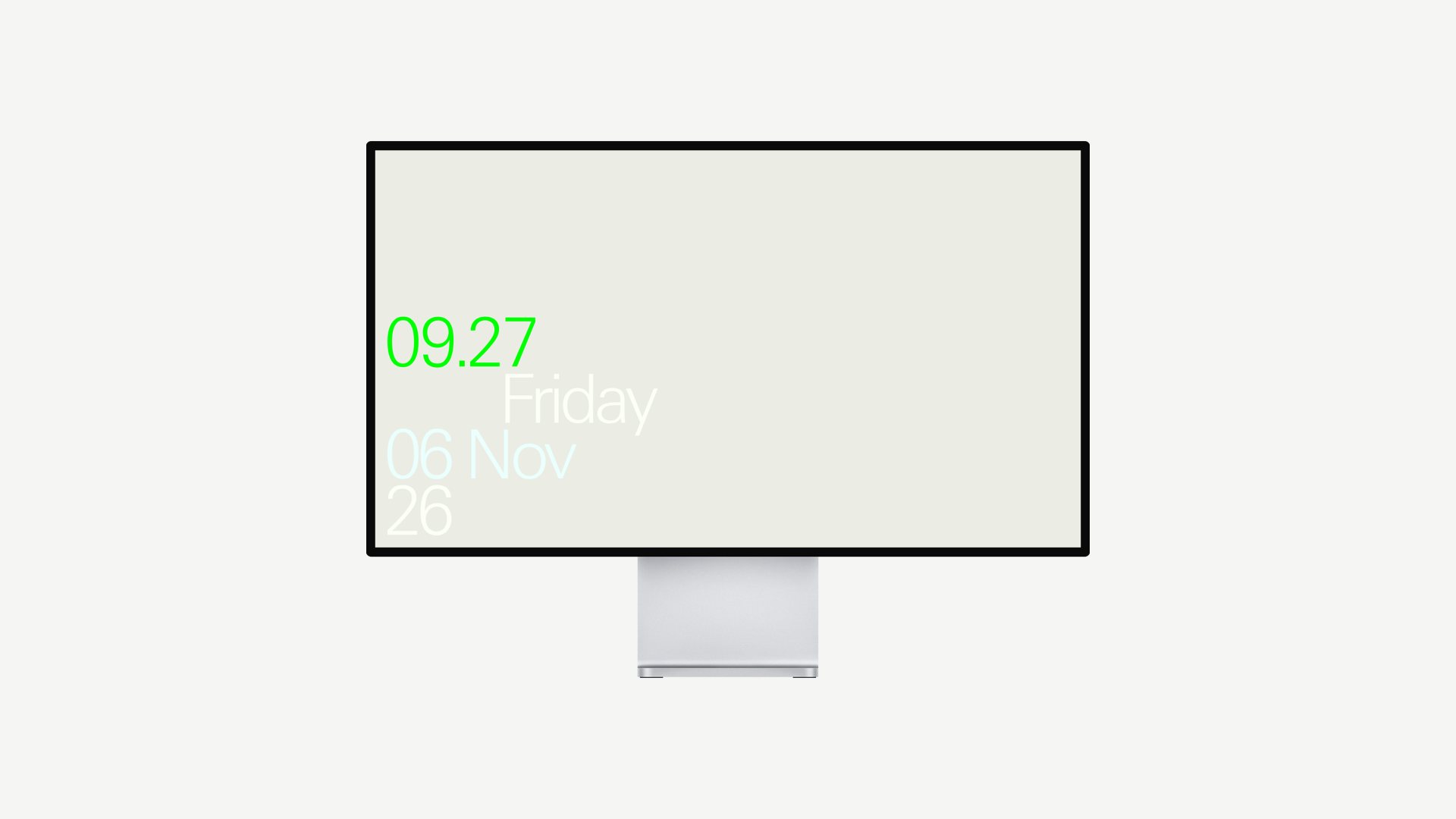
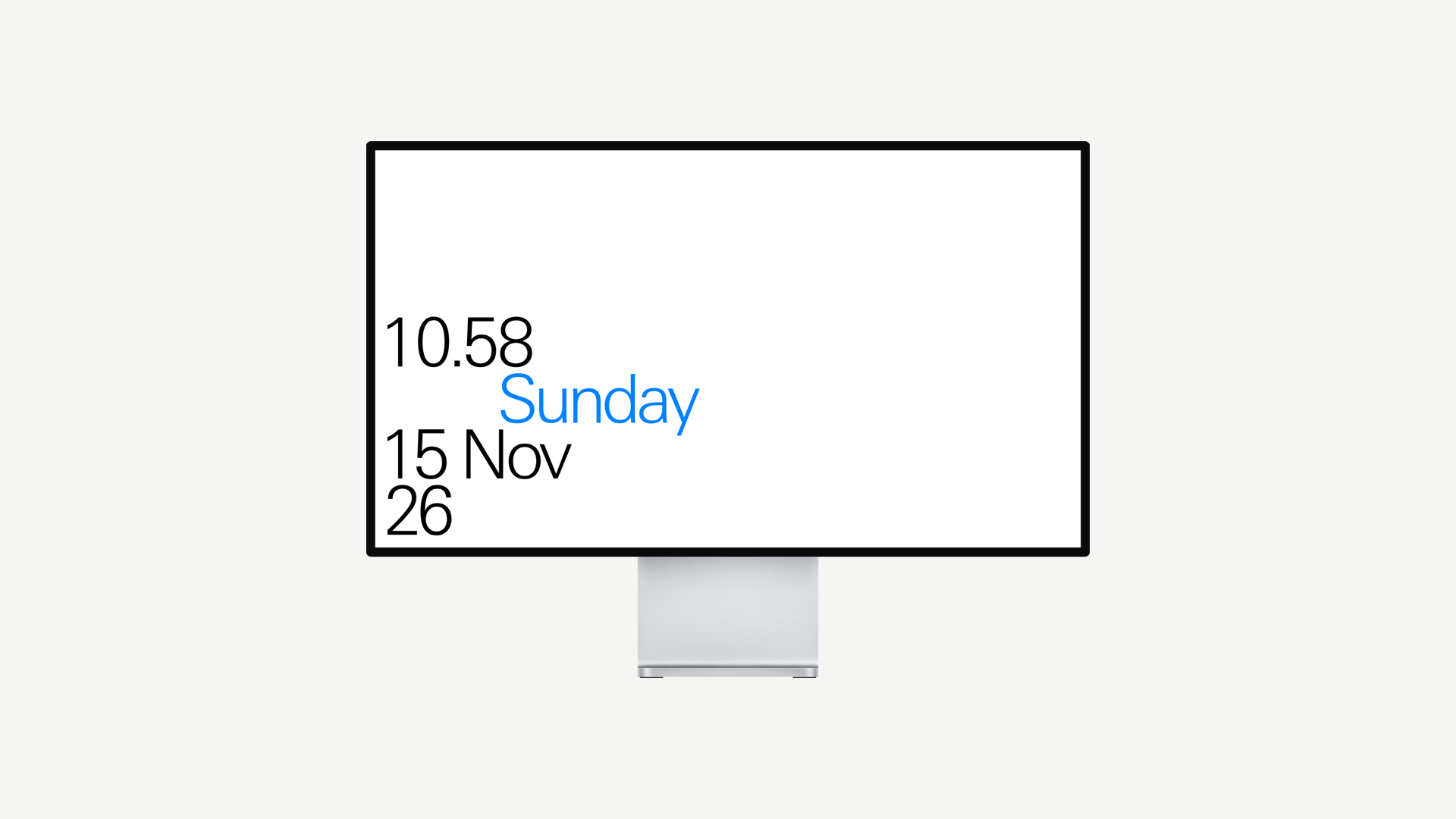
A collection of twelve minimalist screensavers for Mac and PC. The time as figures, words or dials underlined with modernist principles.

Monochrome for those who wouldn't dare buy their spectacles anywhere but Ace & Tate, or colour for anyone desperately trying to joosh their white-walled inner city apartment. We're being facetious obviously, please enjoy a free screensaver.
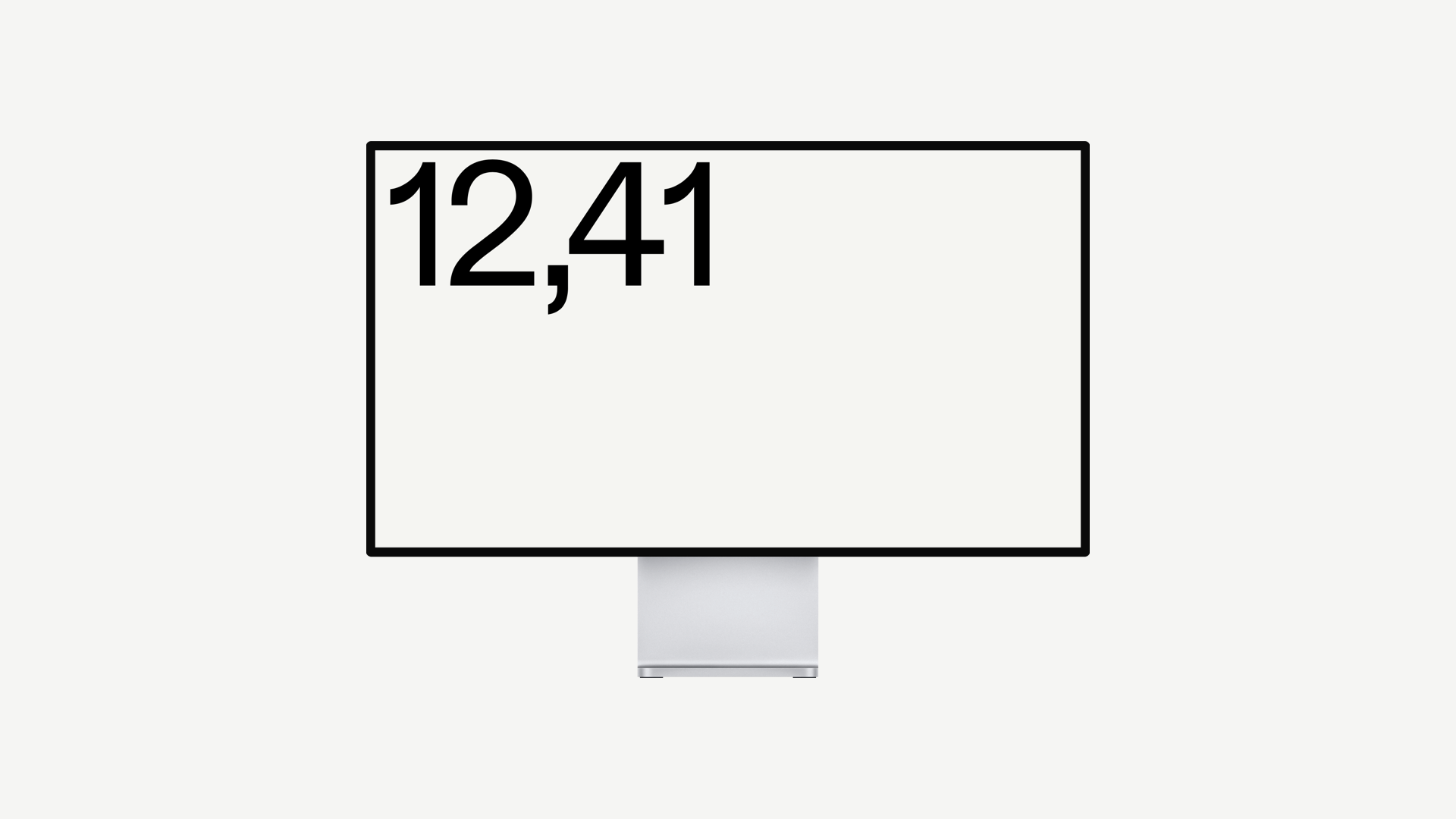
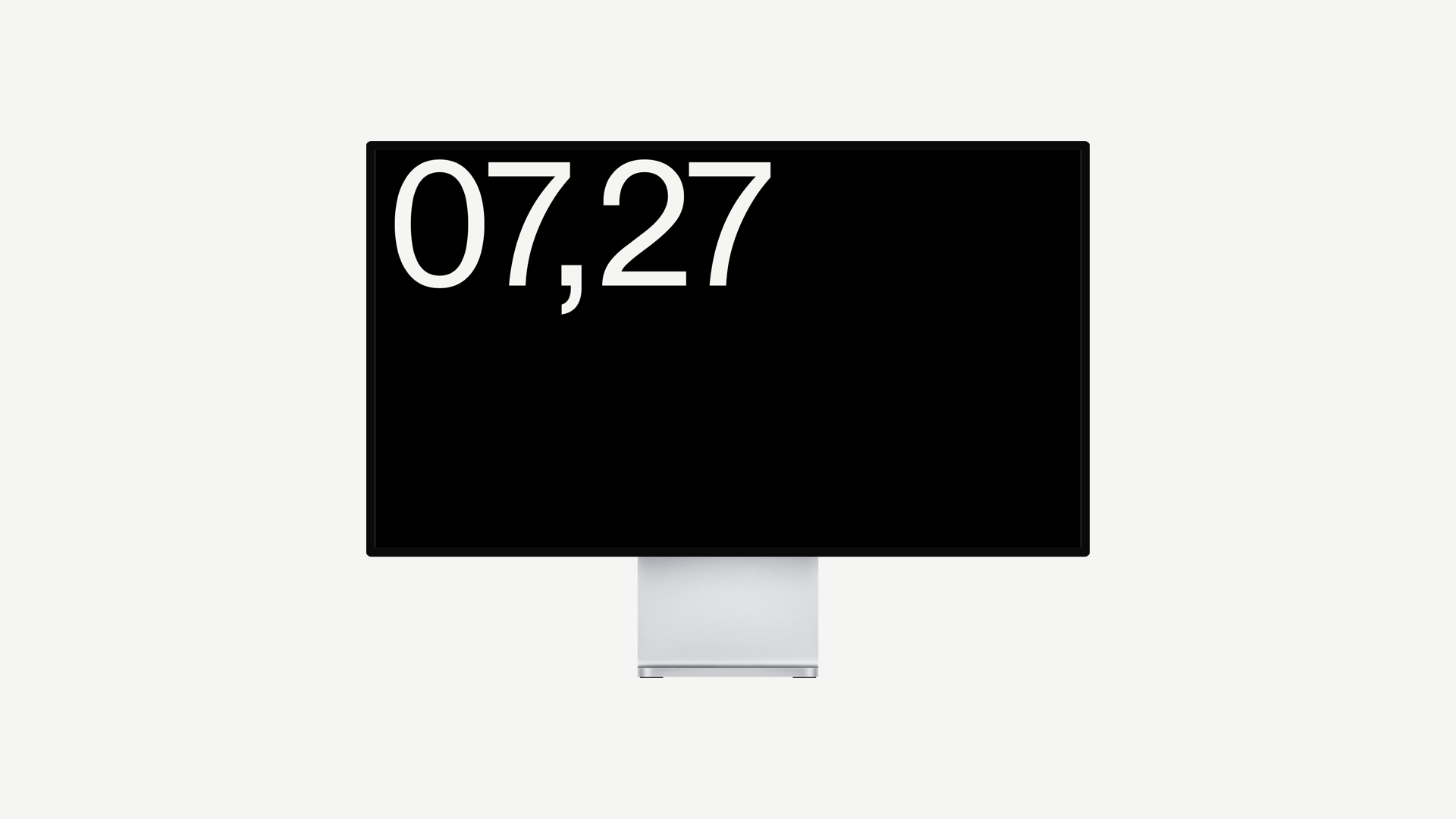
Numeral 01
Mono
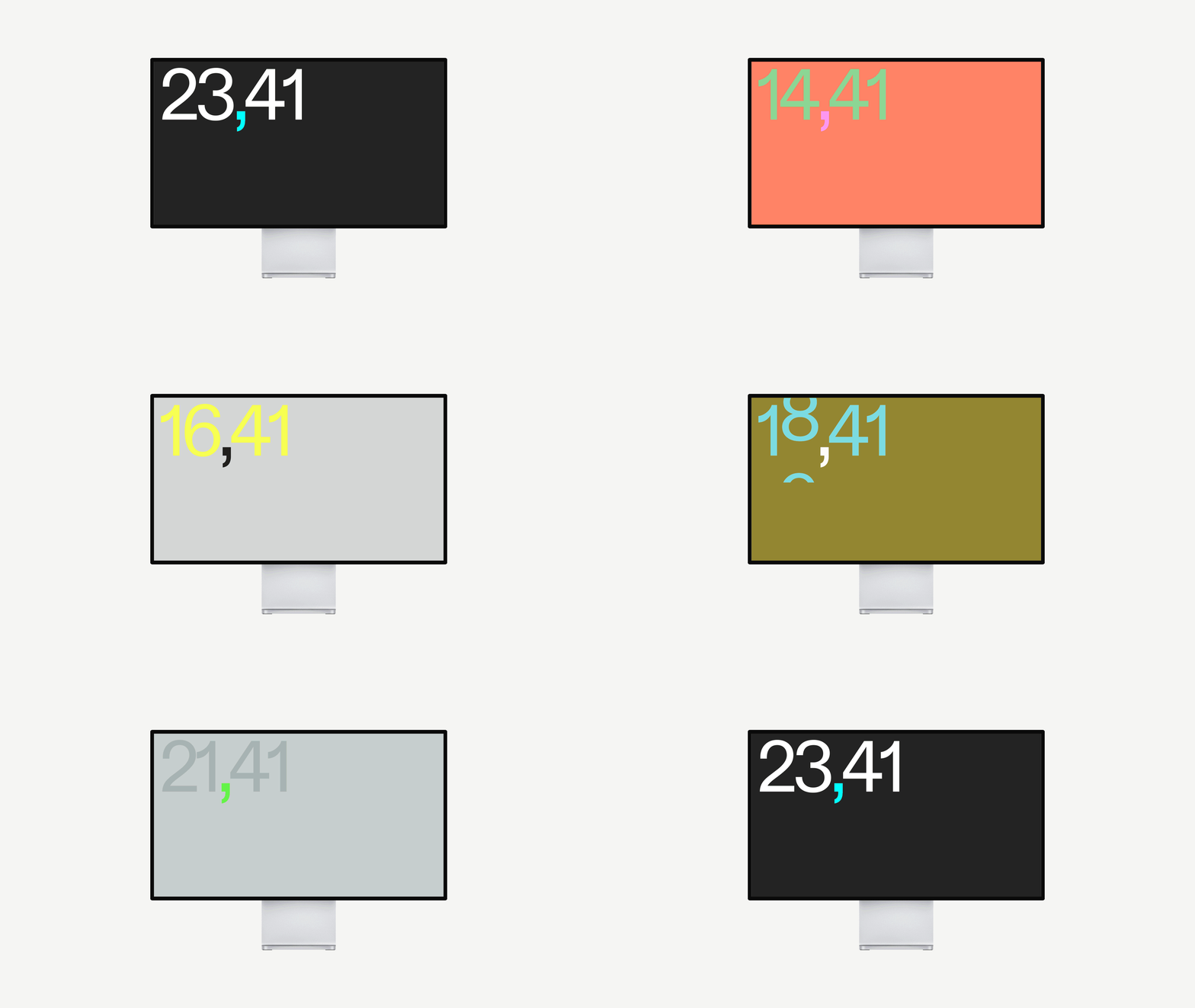
Numeral 01
Colour
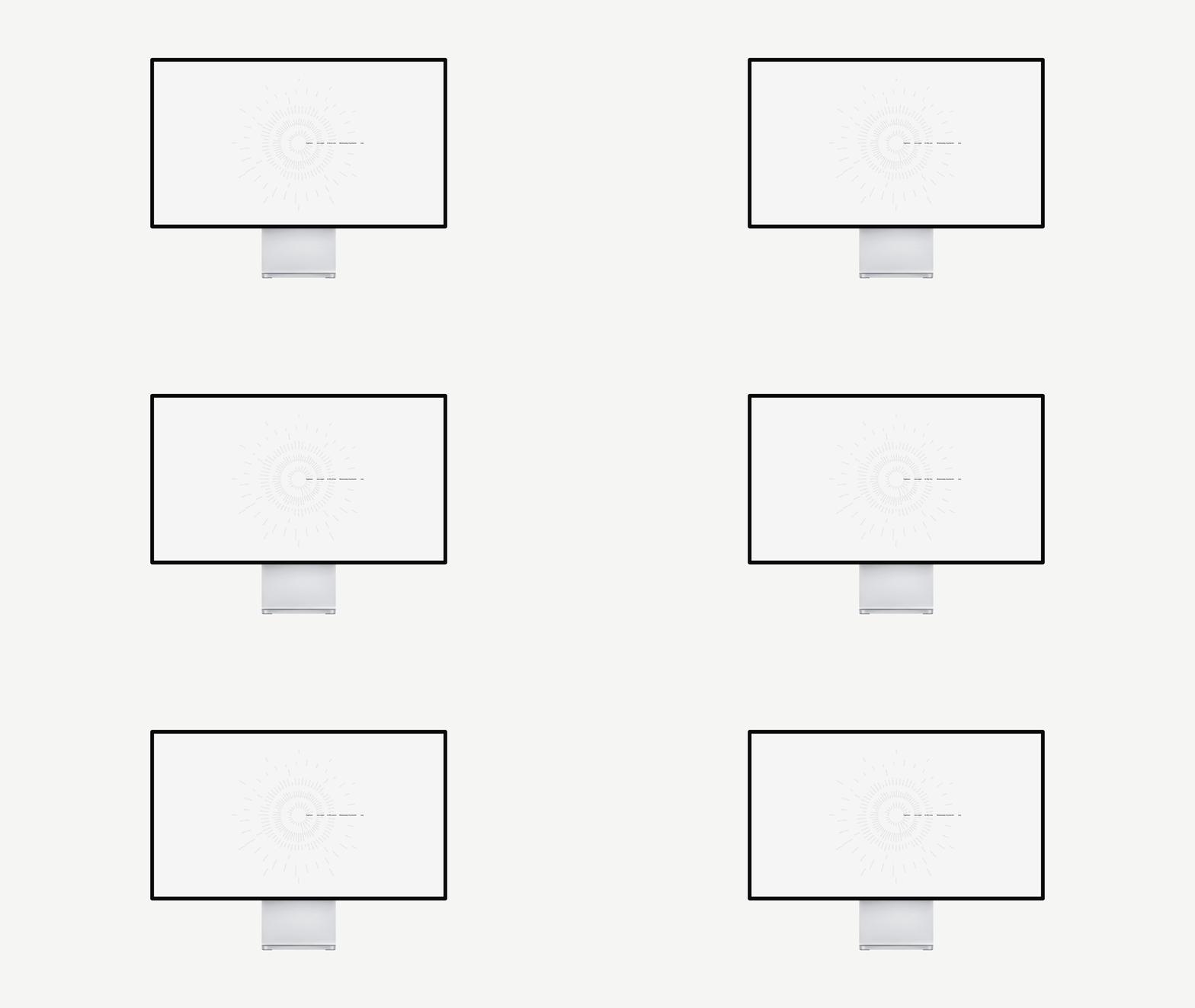
Dial 01
Mono
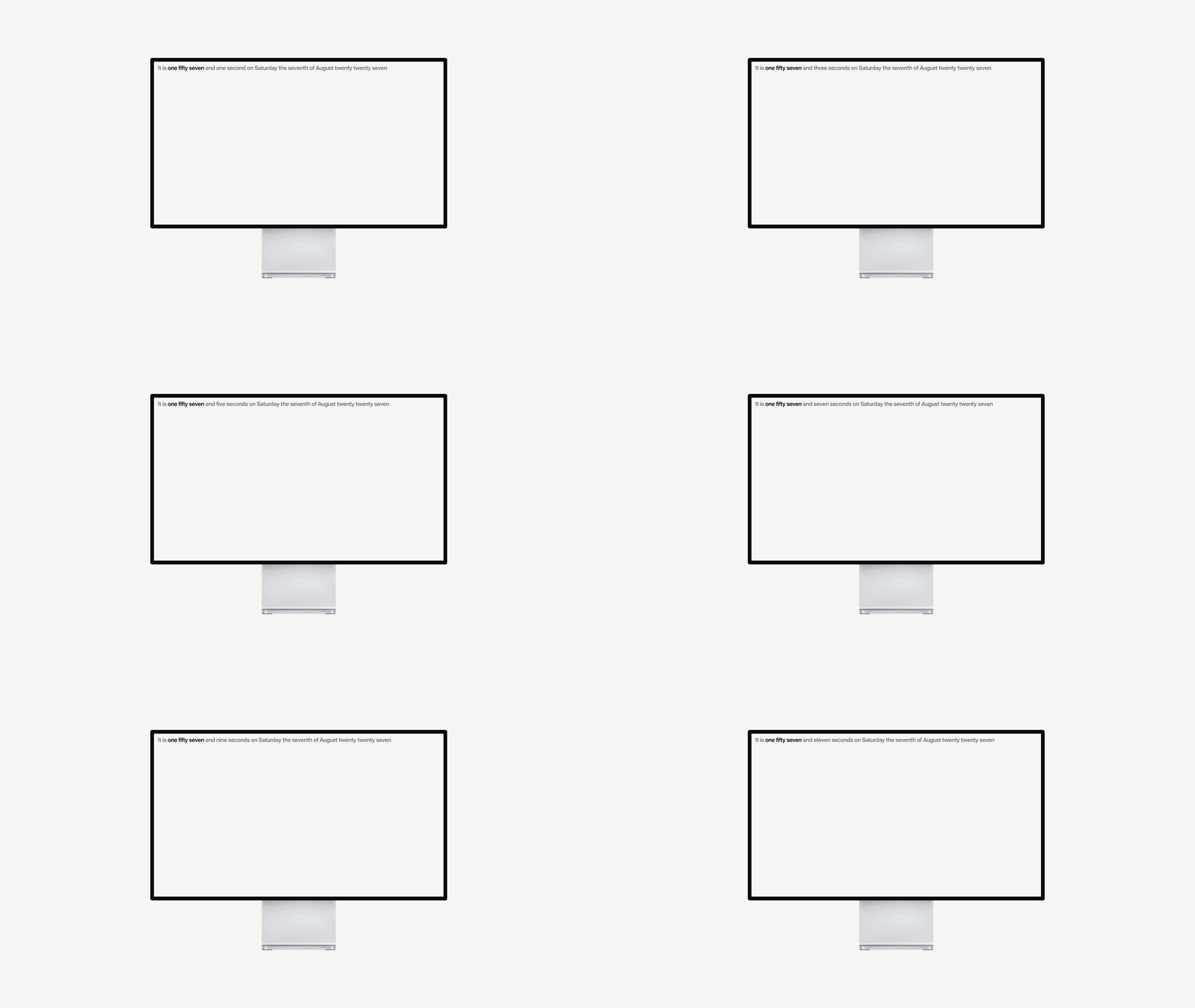
Index 01
Light
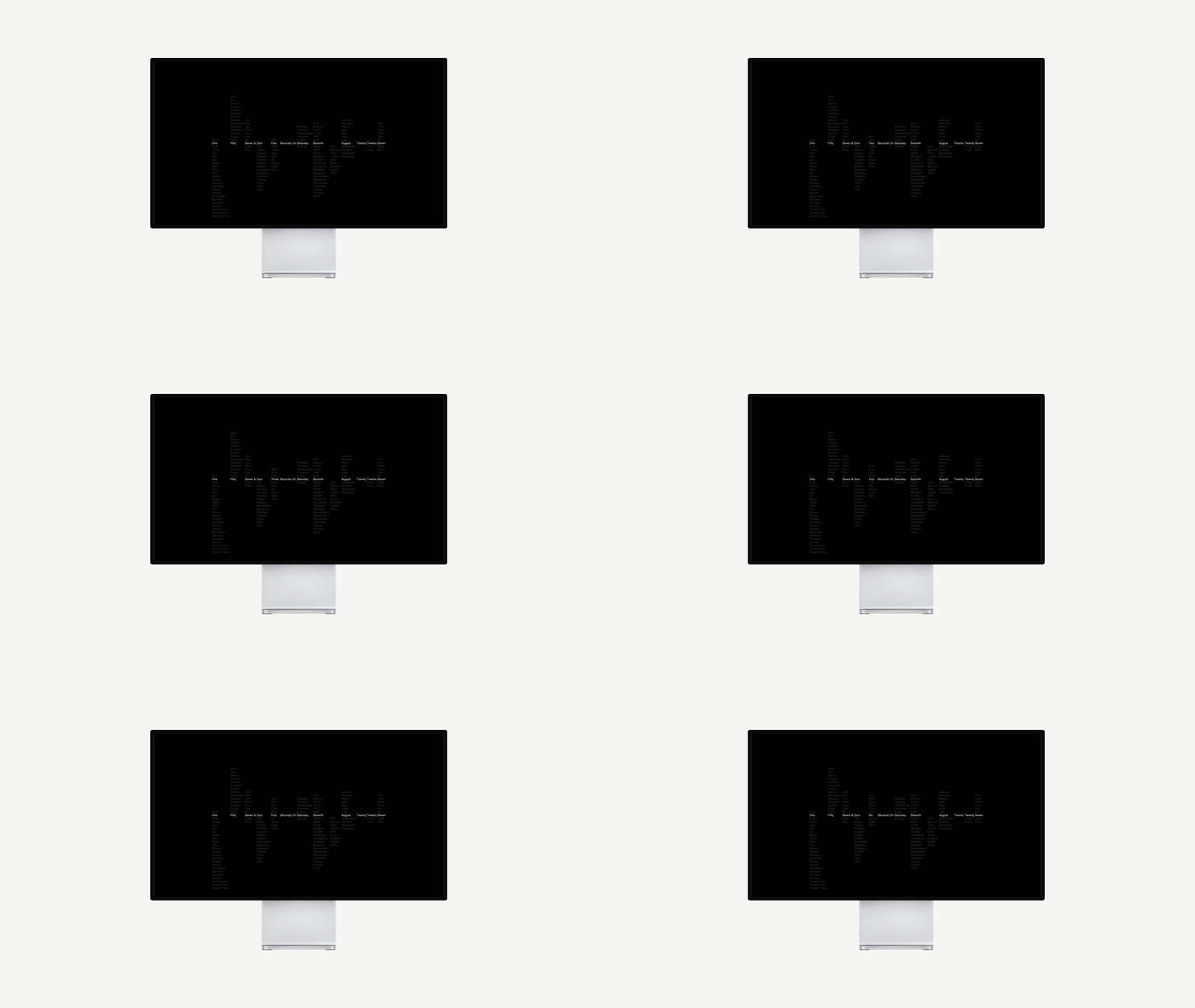
Stack 01
Mono
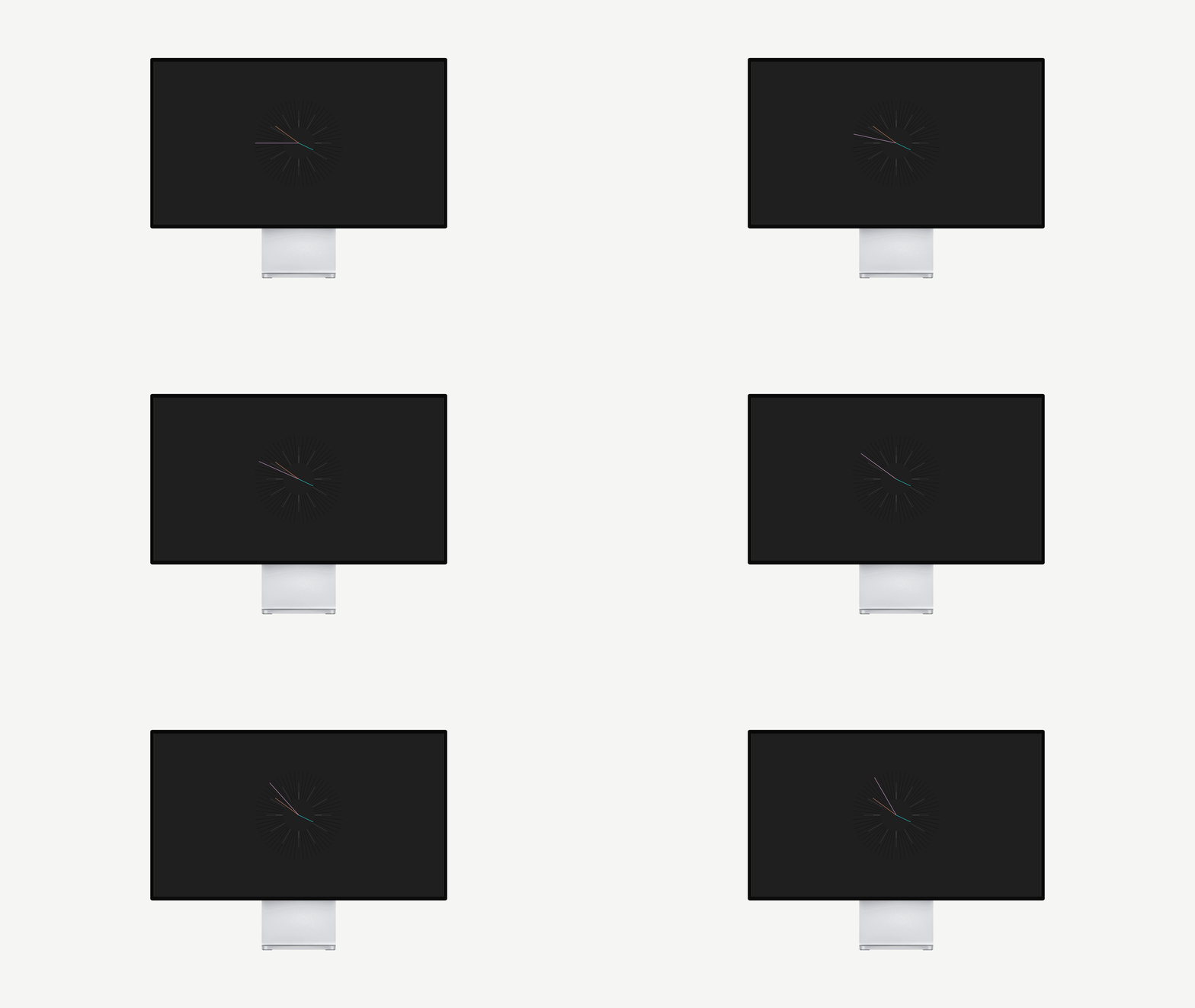
Face 01
Colour
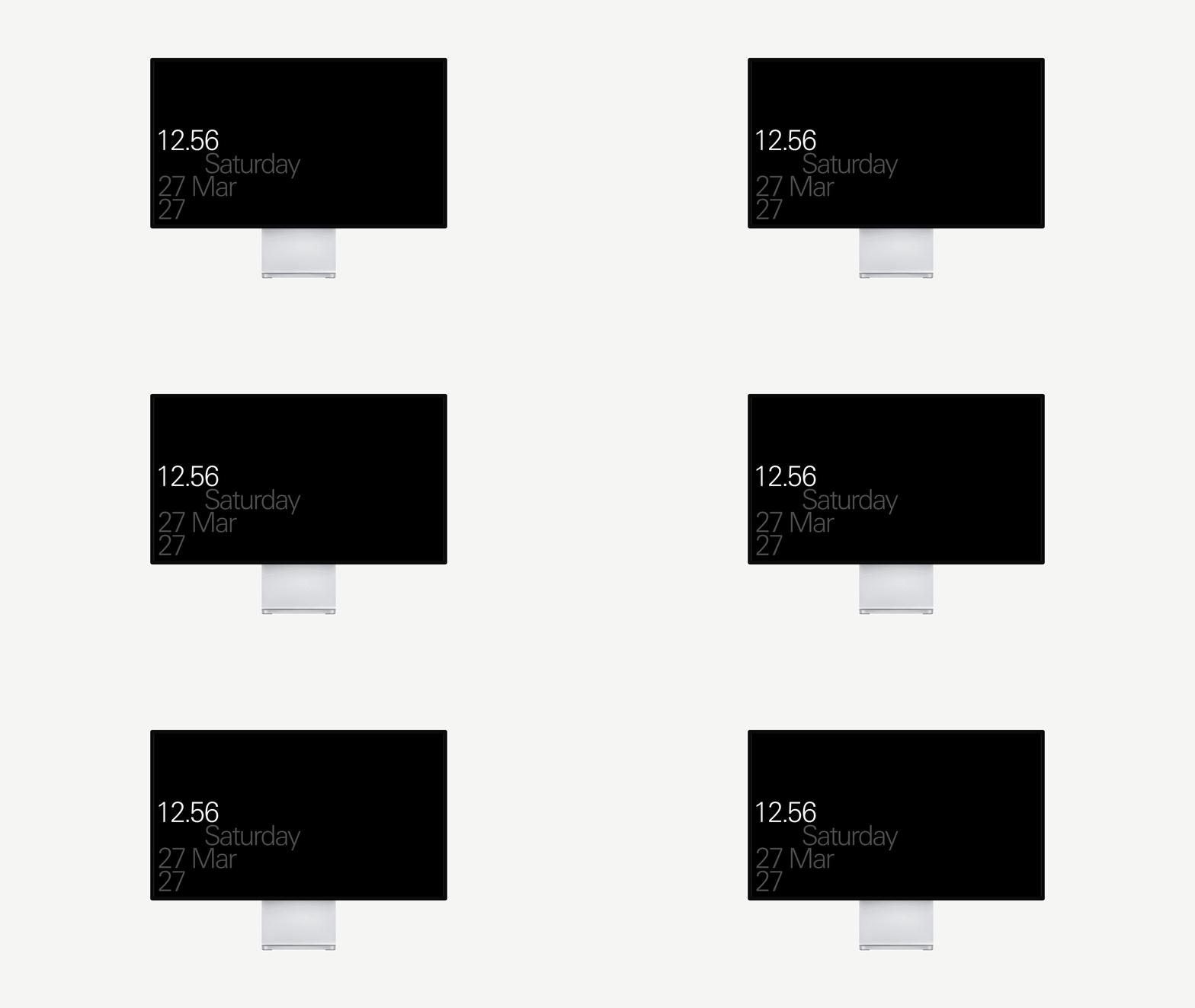
Form 01
Mono

Form 01
Colour

Information

Installing on a Mac
Double-click the .saver file. macOS blocks screen savers from outside the App Store, so the first time you'll need System Settings › Privacy & Security › Open Anyway. Choose "Install for all users" – the read-me walks through it step by step.

Installing on Windows
Unblock the zip (right-click › Properties › Unblock), extract it, move the .scr somewhere it can stay, then right-click it and choose Install. If Windows warns you, click More info › Run anyway.

What's in the zip
Each screen saver comes as one zip, named after it. Inside: a Mac folder (the .saver file), a Windows folder (the .scr file), an HTML folder (a web page that plays in any browser) and a read-me covering all three.

No install at all
Open the HTML file in any browser and click to go full screen. Handy for a second screen, a meeting room, or to project from your apartment window to show you know the time and follow modernist principles.

What it needs
macOS 10.13 or later, or Windows 10 or 11 (it plays through Microsoft Edge, which is built in). It always shows your computer's own time and date – no account, no internet connection, nothing tracked.

Questions, or spotted something odd?
Email us